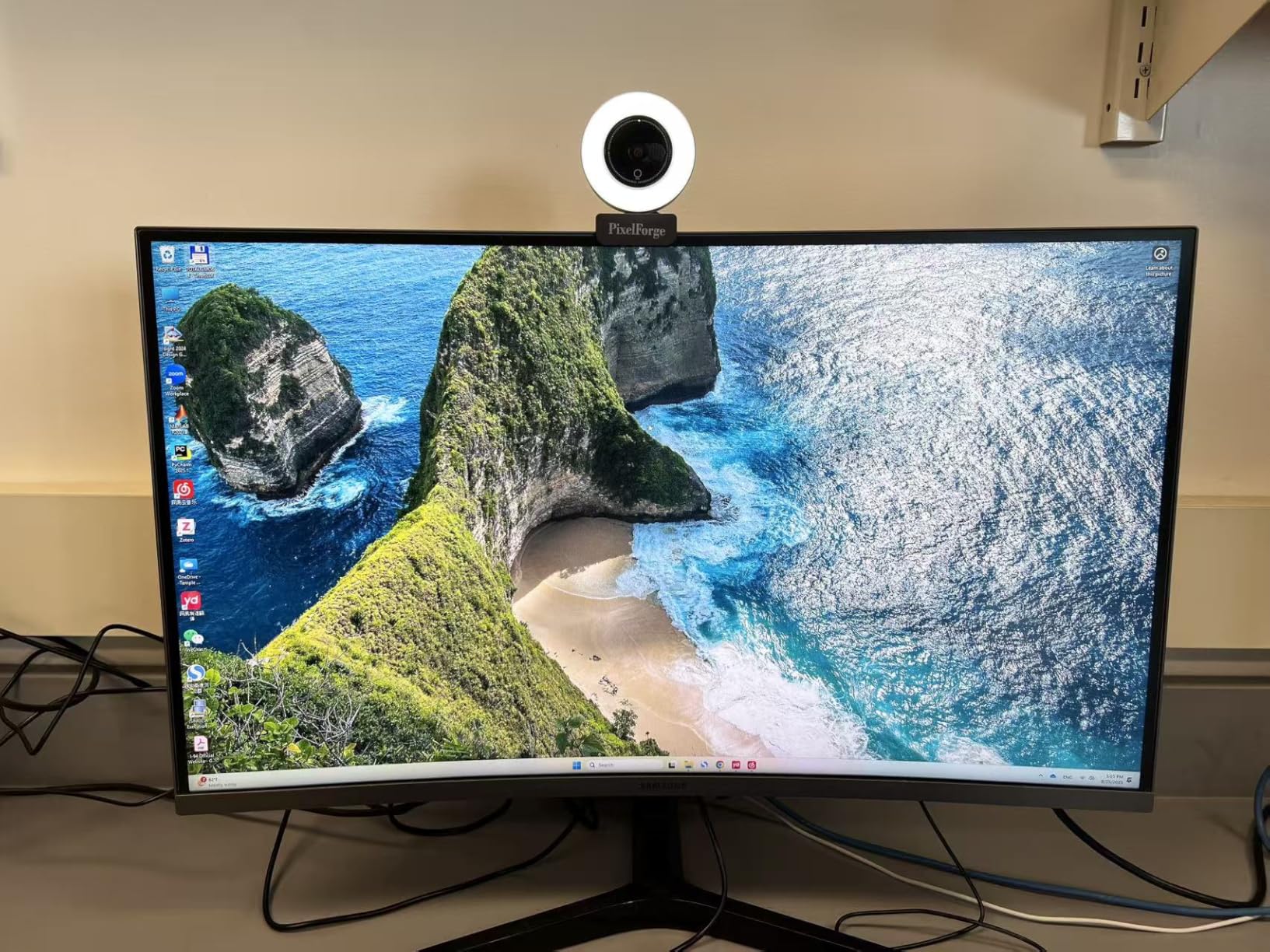
The laptop camera works fine until someone needs to angle the screen down, and then the entire frame tilts with it. That’s when people started clipping external webcams to the top of desktop monitors—not because the built-in camera failed, but because it was attached to a device that moved. The external camera stayed put. It became the fixed point in a workspace where everything else shifted throughout the day.
This wasn’t about resolution or lighting, though those factors played a role. It was about separation. The laptop could close, move to the couch, tilt forward for typing, and the camera remained where the conversation expected it to be: centered, eye-level, stable. That separation created a new norm. Video calls started happening at the desk, even when the laptop itself wasn’t the primary machine. People began using desktop setups with iPads or MacBooks in clamshell mode, relying entirely on the external camera to represent them in meetings.
The built-in microphone and light features shifted expectations too. Suddenly the question wasn’t just “can they see me,” but “is there enough light” and “do I sound clear.” The privacy cover—a small sliding piece of plastic—became a visible symbol of intentionality. It wasn’t paranoia. It was acknowledgment that the camera now lived in a permanent position, always facing the same direction, and might remain on when someone thought it was off. The cover didn’t solve a technical problem. It solved a psychological one.
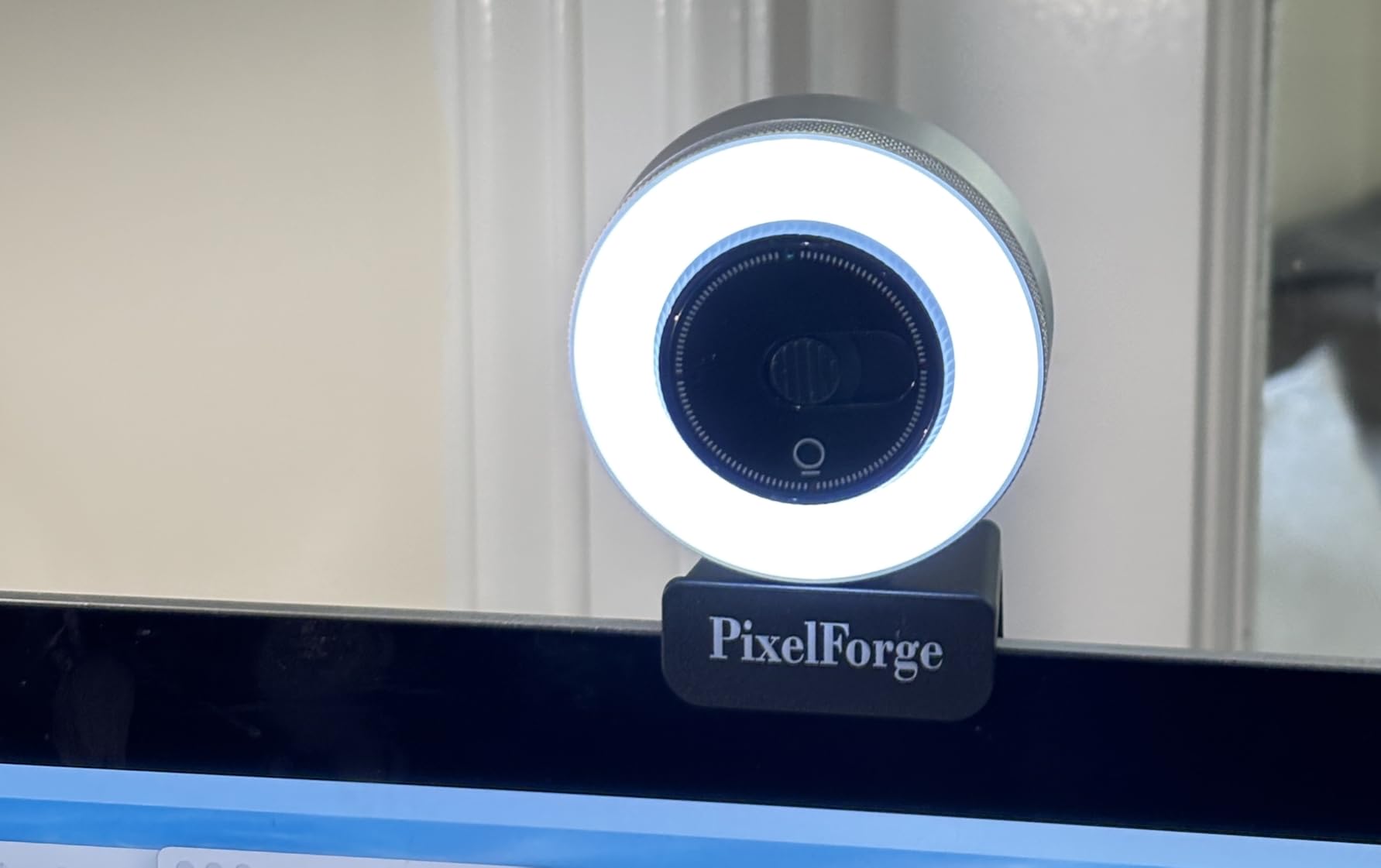
Desk-based video calling created a different relationship with the camera than laptop use ever did. The laptop camera is incidental—it’s there because it has to be, tucked into the bezel, used when necessary. The external webcam is deliberate. It gets positioned, adjusted, reconsidered. People started thinking about backdrops and lighting in ways they didn’t when the camera was just part of the laptop. The camera became a piece of the room, not just a piece of the device.
Mac users, particularly those who transitioned to external displays, found themselves in an awkward position. The MacBook camera is excellent, but it’s pointed at nothing when the laptop is closed. The iPad works as a continuity camera, but it requires specific positioning and iOS updates. The external webcam bypassed all of that. It just worked, in the most literal sense. Plug it in, clip it on, open Zoom. The simplicity felt almost regressive, like solving a modern problem with an older solution.
The microphone component introduced a subtle tension. Many people already use AirPods or other wireless earbuds during calls, which means the webcam’s microphone sits unused. But on the occasions when someone isn’t wearing earbuds—early morning calls, quick check-ins—the built-in microphone becomes the default. It’s not studio-quality, but it’s present. That dual functionality means the webcam serves two different use cases depending on the day, and people rarely think about which one they’re relying on until the audio sounds off.
Previously listed around sixty dollars, current versions of these multi-function webcams hover near thirty-eight dollars, a range that reflects their normalization in home office setups. The price is low enough that people don’t agonize over the decision, but high enough that it still feels like a considered purchase. The webcam isn’t solving a crisis—it’s solving a persistent, low-grade inconvenience that compounds over hundreds of video calls. That’s a different kind of value, harder to quantify but no less real.
"Note: Readers like you help support The Apple Tech. We may receive a affiliate commission when you purchase products mentioned on our website."