

Apple designed the iPad as a touch-first device. Fingers are the primary input method, with gestures replacing mouse clicks and keyboard shortcuts. For most tasks, this works seamlessly.
But certain activities expose the limits. Drawing a straight line with a fingertip is difficult. Selecting small interface elements is imprecise. Taking handwritten notes without palm rejection is frustrating. The iPad is responsive, but responsiveness isn’t the same as accuracy.
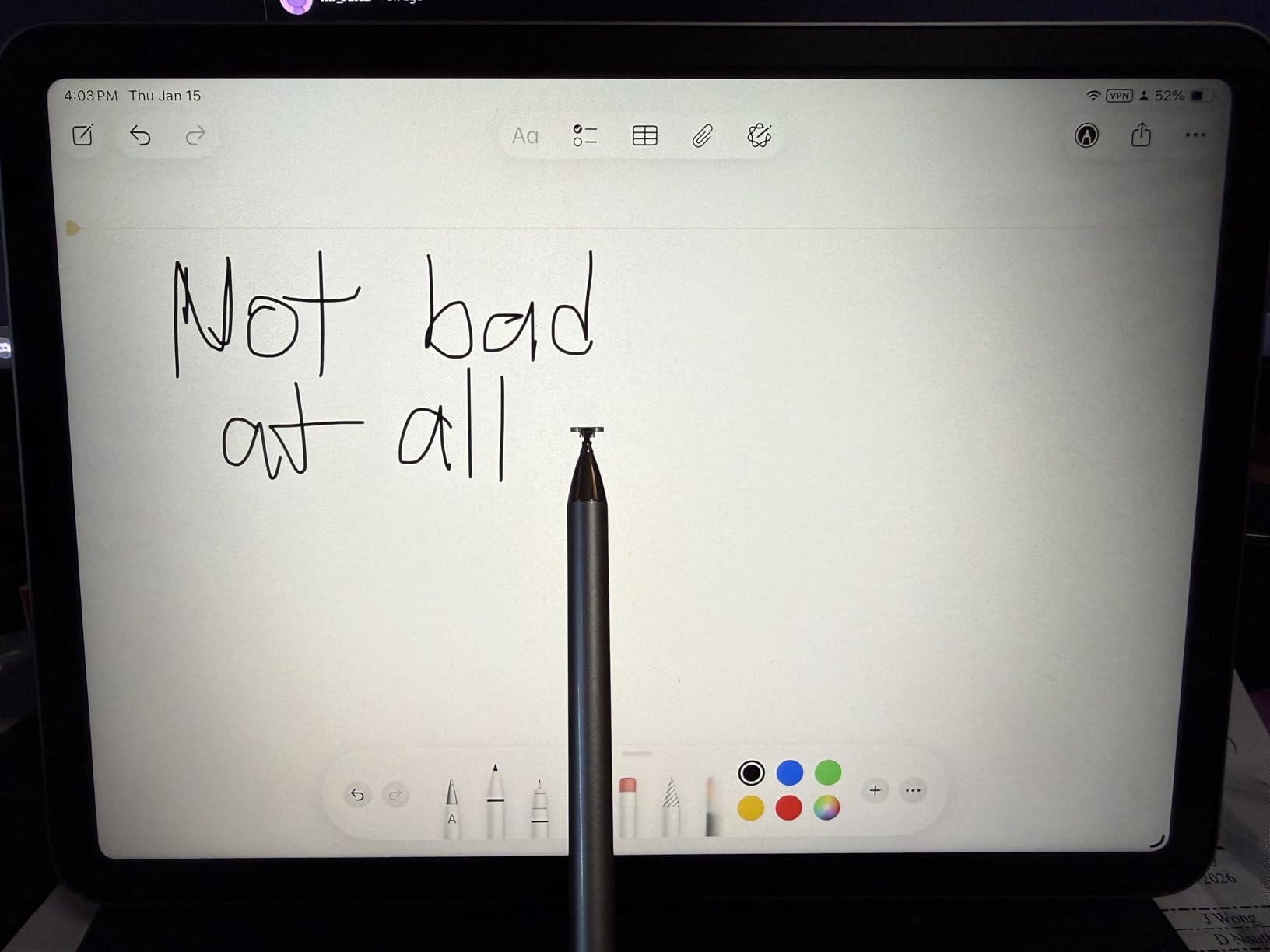
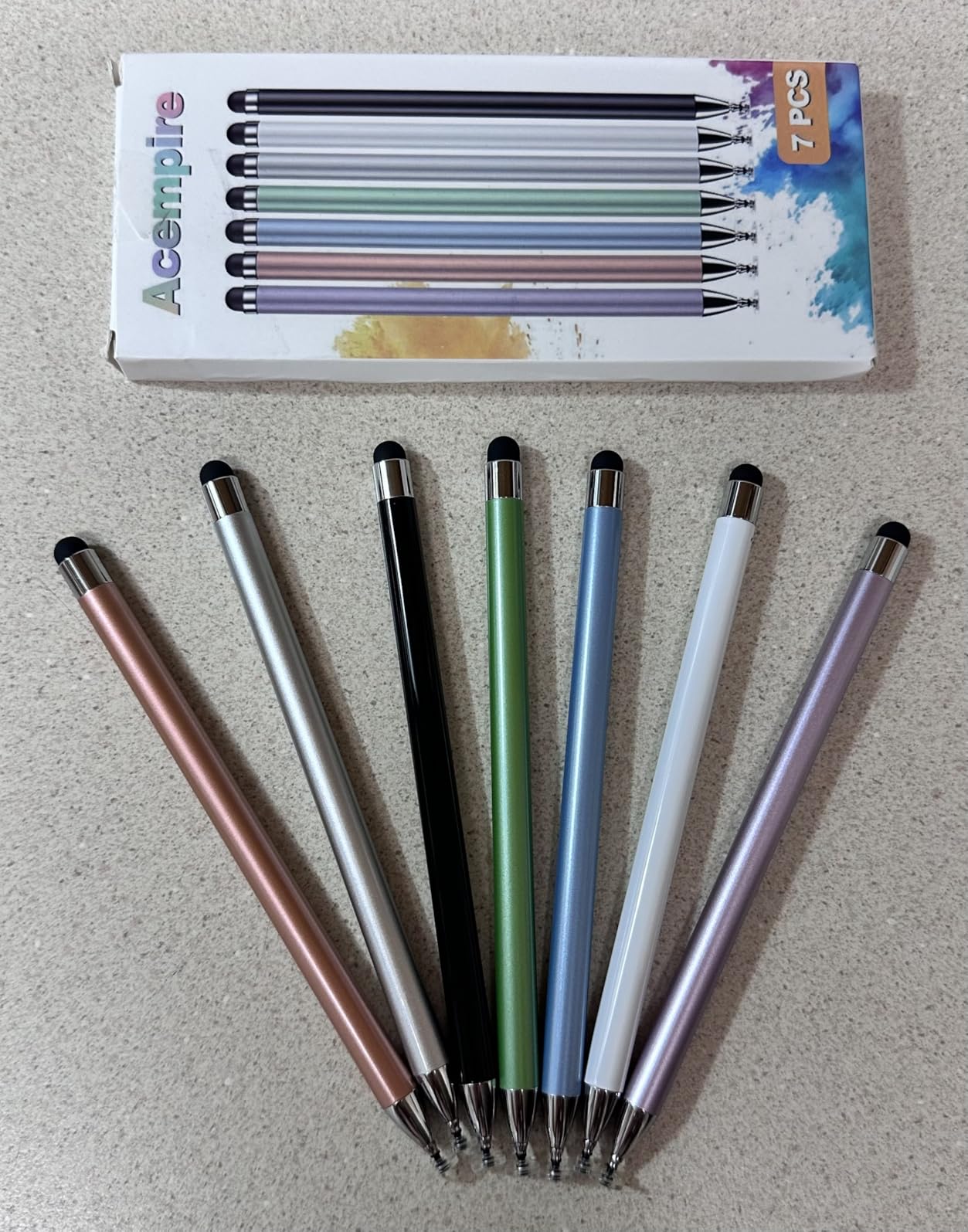
This is where styluses enter—not the Apple Pencil, which is a premium accessory with specific compatibility requirements, but generic capacitive styluses that work with any touchscreen. They’re less sophisticated, but they solve a basic problem: they let you point at things smaller than a fingertip.
The behavior shift is subtle. People start using the iPad with their fingers, then add a stylus for specific tasks. The stylus doesn’t replace touch—it supplements it. You still swipe and tap for navigation, but when you need to mark up a PDF or sketch a quick diagram, you reach for the stylus.
What’s interesting is how common this is despite Apple’s clear preference for the Apple Pencil as the “correct” stylus solution. The Apple Pencil offers pressure sensitivity, tilt detection, and seamless integration. But it’s also expensive, requires charging, and only works with compatible iPad models.
Generic styluses have none of those features, but they also have none of those barriers. They’re passive, inexpensive, and universal. For people who need occasional precision but don’t justify a $100+ investment, they’re the practical choice.
There’s a philosophical tension here. Apple markets the iPad as intuitive and natural—”your fingers are the tool.” But real-world use often requires something more pointed. The touchscreen is good at many things, but precision isn’t one of them. Previously listed at $14.99, multi-packs of basic styluses now sit near $9.98, though the existence of the market itself is more telling than the price—it suggests that for many users, the iPad’s native input method isn’t quite enough.
"Note: Readers like you help support The Apple Tech. We may receive a affiliate commission when you purchase products mentioned on our website."






