The Apple Pencil represents a pinnacle of digital input—pressure sensitivity, tilt detection, palm rejection, pixel-perfect precision. But its price and feature set presume a user who draws, annotates extensively, or works in design. For everyone else, there’s an awkward middle ground.
Touch screens were designed to be operated by fingers. For scrolling, tapping, swiping, they remain ideal. But certain tasks—selecting small UI elements, signing documents, sketching casual diagrams—expose the limits of fingertip accuracy. The contact area is imprecise. Smudges obscure the target. The hand hovers uncomfortably.
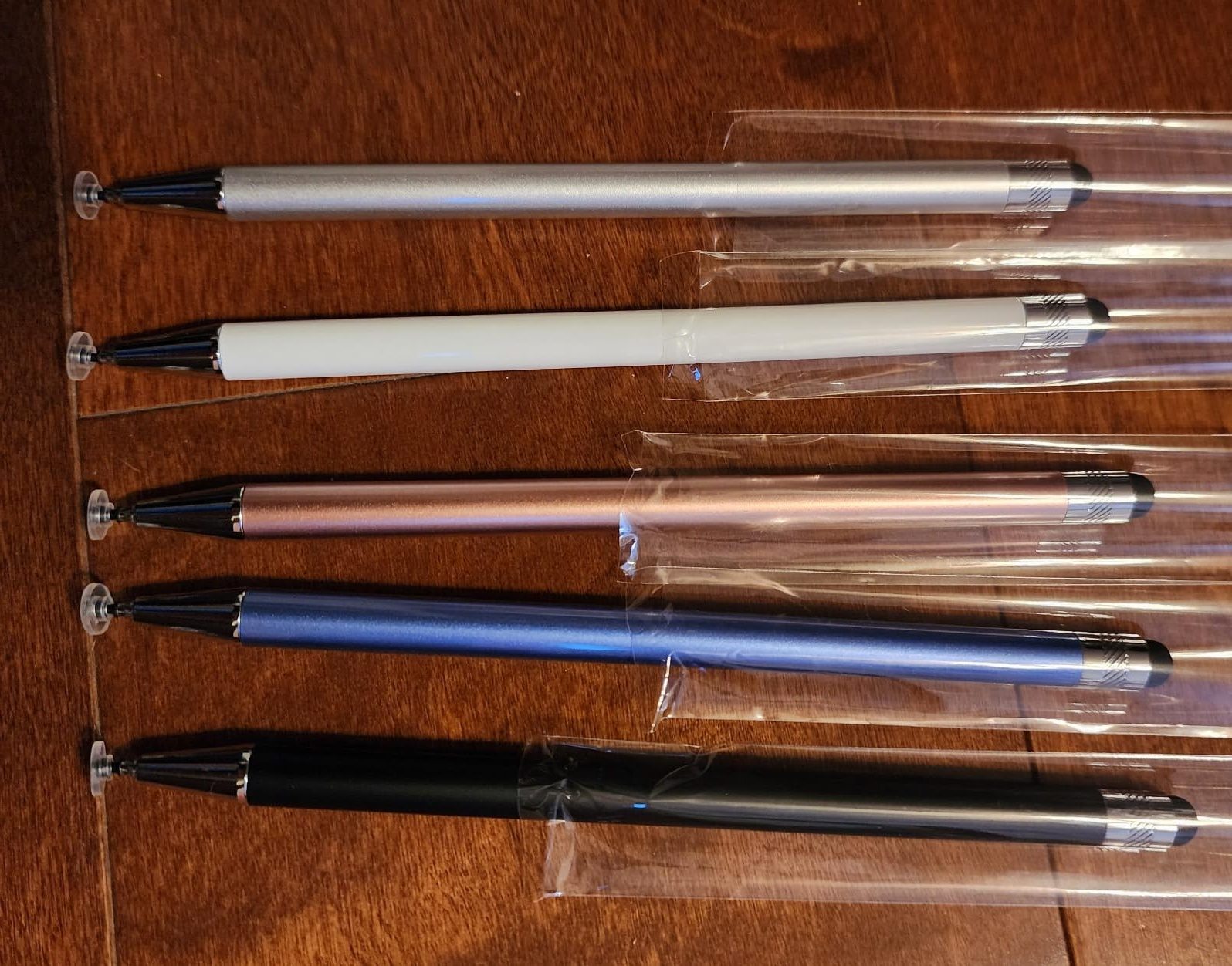
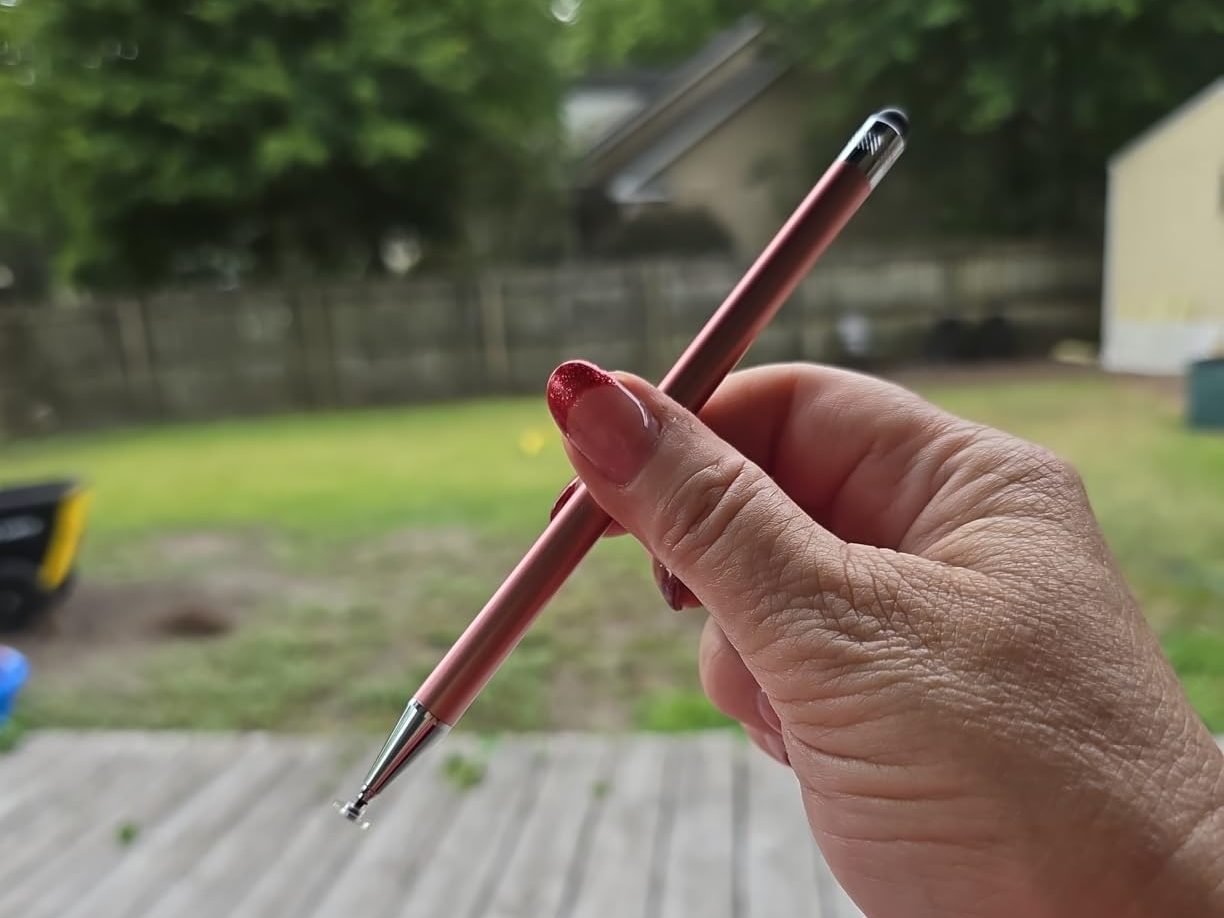
Inexpensive styluses with rubberized tips have existed for years, often dismissed as crude approximations. Yet their persistence suggests they’re solving a real problem: the need for occasional precision without the commitment of Apple’s ecosystem flagship. They don’t pair. They don’t charge. They don’t pressure-sense. They simply narrow the contact point.
This creates a parallel universe of iPad interaction, one where users toggle between finger, generic stylus, and occasionally an Apple Pencil borrowed from a family member or colleague. Each tool occupies a different behavioral niche, activated by context rather than preference.
Apple’s interface design has increasingly assumed Apple Pencil adoption—Scribble handwriting recognition, enhanced annotation tools in Safari and Photos, stylus-specific gestures. But actual ownership rates remain unclear, and the secondhand market for older Pencil models suggests many users experiment and then revert to simpler methods.
The tension isn’t about quality. It’s about the gap between what a device can theoretically support and what a user actually needs on a Tuesday afternoon when filling out a PDF. A multipack of basic styluses addresses that gap without ceremony.
Previously listed at $13.99, current pricing around $8.99 for a five-unit bundle positions these tools as disposable conveniences—closer to screen protectors than input devices, which may be precisely how they’re being used.
"Note: Readers like you help support The Apple Tech. We may receive a affiliate commission when you purchase products mentioned on our website."