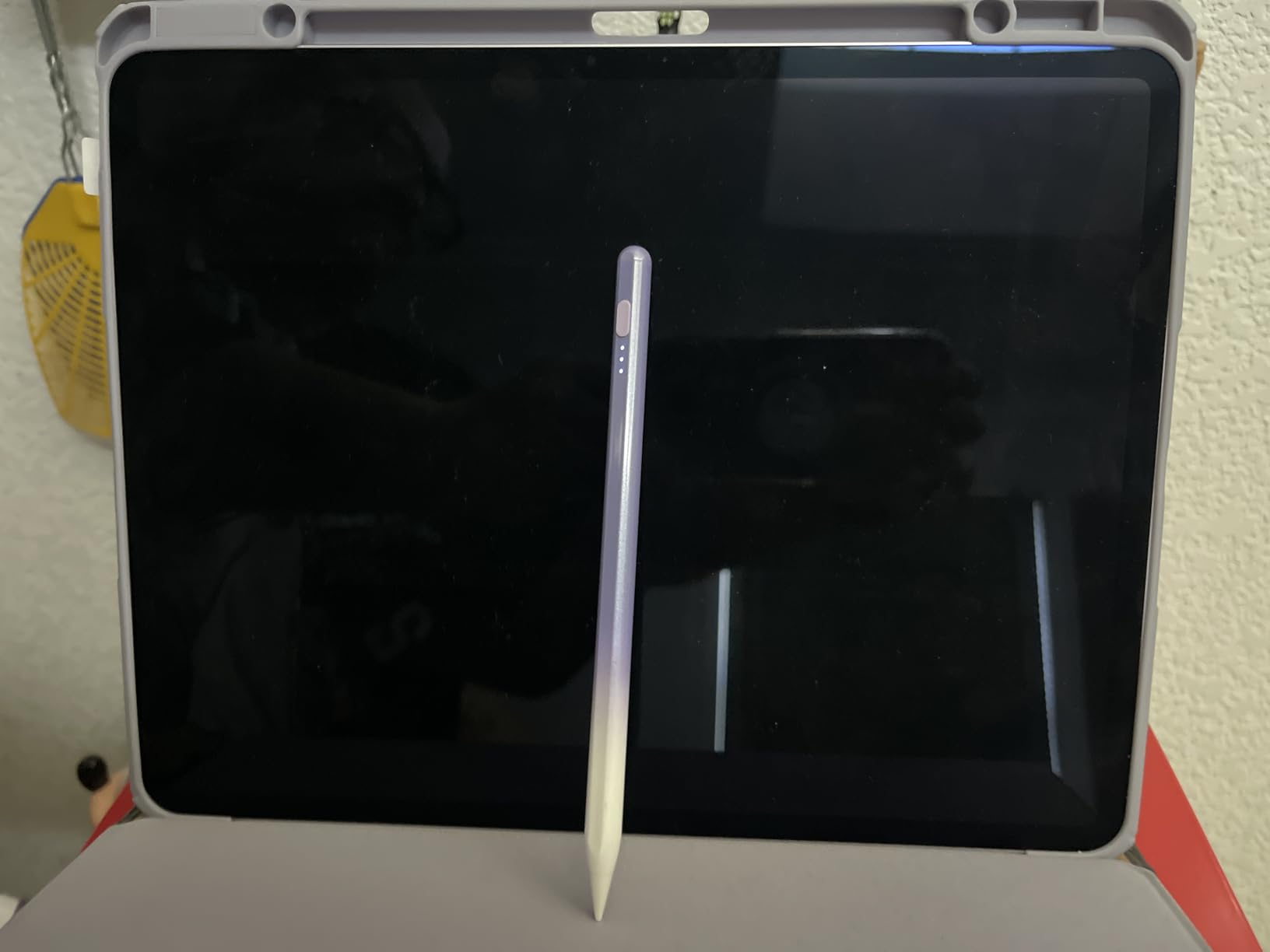
The Apple Pencil is expensive, and it’s easy to forget to charge. These two facts have created a market for third-party styluses that promise similar functionality at a fraction of the cost. The 15-minute fast charge feature is the headline—plug in the pen for a quarter-hour, and it’s ready for hours of use. For people who frequently find their Apple Pencil dead at the start of a drawing session, this is a tangible improvement.
But charging speed doesn’t address the core question: how well does the stylus actually work? Palm rejection is the first test. A functioning stylus should allow the user to rest their palm on the iPad screen while drawing without triggering unintended marks or gestures. Apple Pencil handles this seamlessly, using a combination of hardware and software to distinguish between intentional stylus input and incidental palm contact. Third-party styluses rely on similar principles, but the execution is less consistent.
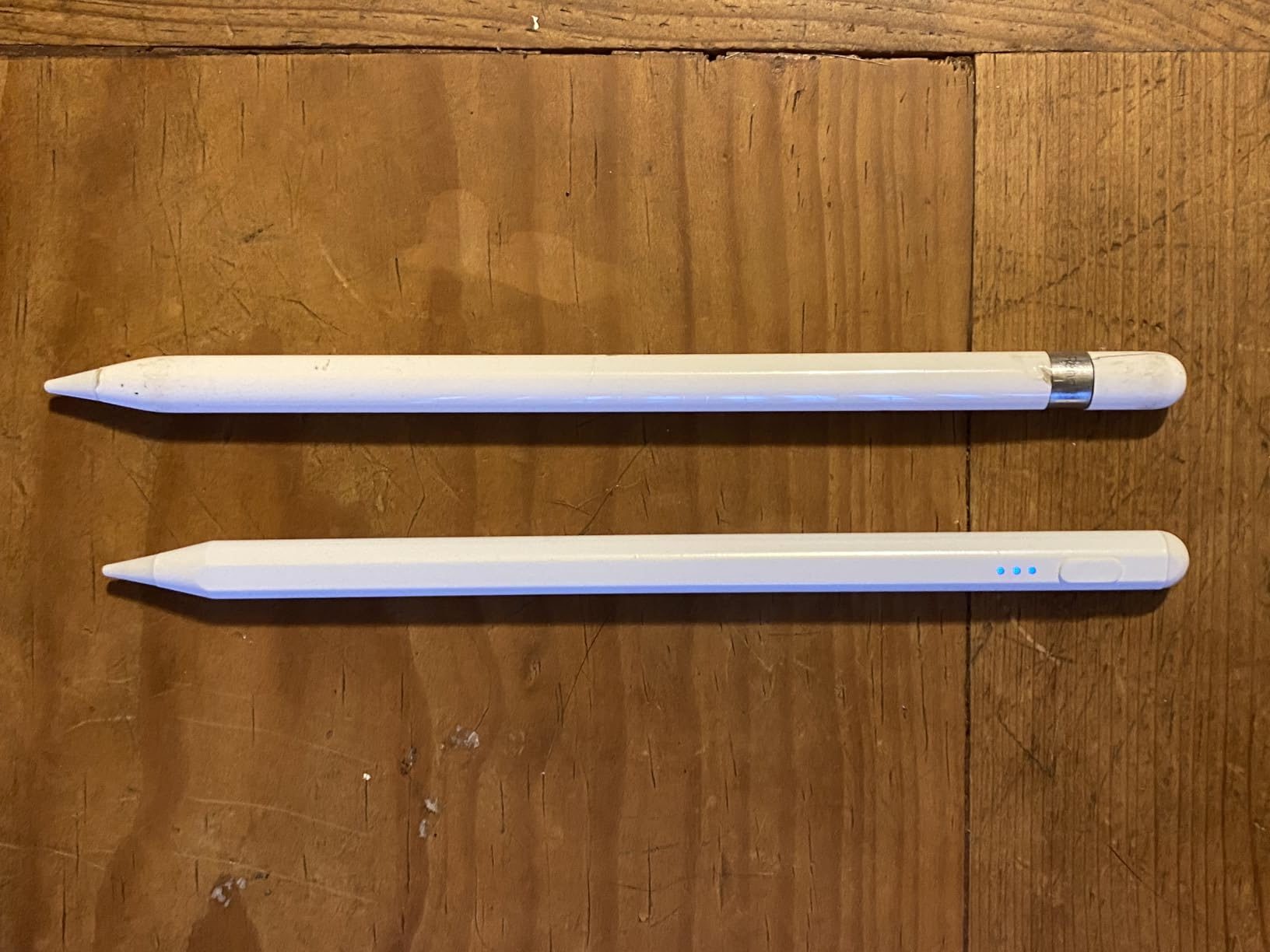
The result is occasional phantom marks—stray lines or dots that appear when the palm shifts position, or gestures that activate when the side of the hand brushes the screen. These failures are infrequent enough that they don’t make the stylus unusable, but they’re common enough to create friction. The user learns to adjust their grip, to hold their hand at a slightly different angle, to avoid certain areas of the screen. The pen works, but it requires adaptation.
Pressure sensitivity is another variable. Apple Pencil detects a wide range of pressure levels, translating lighter and heavier strokes into thinner and thicker lines. This responsiveness is central to the drawing experience, especially for artists who rely on pressure variation to create shading and texture. Third-party styluses often support pressure sensitivity in technical terms, but the range is narrower and the response is less granular. A light stroke might not register at all, or a heavy stroke might max out sooner than expected.
Latency is subtle but cumulative. Apple Pencil has near-zero lag between stylus movement and on-screen response. The line appears to flow directly from the pen tip, creating the illusion of drawing on paper. Third-party styluses introduce a slight delay—measured in milliseconds, barely perceptible in isolation, but noticeable during continuous use. The line trails behind the pen tip just enough to break the illusion, creating a disconnect between hand movement and visual feedback.
Compatibility across iPad models is broad, covering devices from 2018 onward. This makes the stylus viable for users with older iPads who don’t have access to second-generation Apple Pencil support. But broad compatibility doesn’t mean optimized performance. The stylus works with all listed models, but the experience varies depending on the iPad’s screen refresh rate and processing power. A newer iPad Pro delivers smoother performance than an older base-model iPad, even with the same stylus.
Previously listed at $13.99, current listings hover around $9.98, placing third-party iPad styluses well below the cost of an Apple Pencil. The pricing reflects a deliberate trade-off: lower cost in exchange for minor compromises in performance, with fast charging as the primary differentiator.
The broader reality is that third-party styluses occupy a specific niche. They’re viable for note-taking, casual sketching, and occasional drawing, where absolute precision and zero latency aren’t critical. For professional illustrators or anyone doing sustained creative work, the accumulated friction—imperfect palm rejection, narrower pressure sensitivity, slight lag—becomes noticeable enough that many users eventually upgrade to Apple Pencil. The third-party pen solves the charging problem, but it doesn’t fully solve the drawing problem.
"Note: Readers like you help support The Apple Tech. We may receive a affiliate commission when you purchase products mentioned on our website."