As streaming content moves from fixed indoor displays to portable outdoor projectors, the expectation that any screen should seamlessly receive content from an iPhone has reshaped casual viewing habits.
The backyard movie night used to require planning. You’d need a laptop, an extension cord, speakers, and some way to prop up a projector. The setup took long enough that you’d only do it for special occasions—a birthday, a summer gathering, maybe once or twice a season. Now the friction has dropped low enough that it happens on random weeknights.
AirPlay changed the expectation. The iPhone already holds your streaming subscriptions, your photos, your videos. The projector becomes another display target, like an Apple TV or a smart TV in another room. You tap the AirPlay icon, select the projector, and the content appears on whatever surface you’ve aimed it at. The iPhone becomes the content library, the remote control, and the interface for a screen that exists only when you set it up.
This portability shifts how outdoor spaces get used. The projector isn’t permanently installed. It sits in a closet until someone decides the evening is nice enough to watch something outside. The setup is informal—a white wall, a bedsheet, even the side of a garage. The image quality is good enough that it doesn’t feel like a compromise. You’re not watching a grainy, washed-out projection. You’re watching the same content you’d watch inside, just in a different setting.
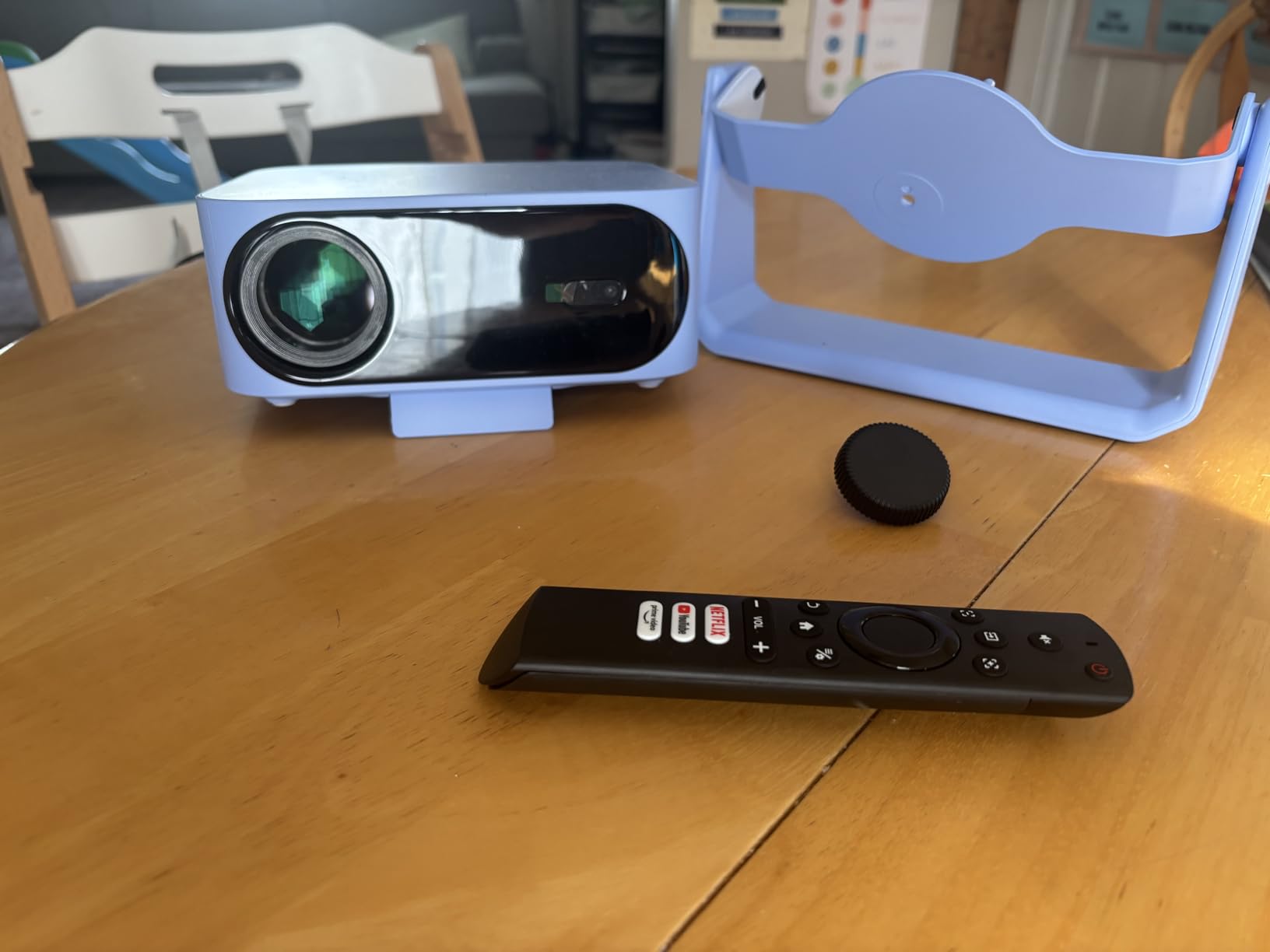
Built-in apps complicate the AirPlay narrative. The projector can run streaming services directly, which means the iPhone isn’t strictly necessary. You can navigate YouTube or other platforms using the projector’s own interface. But most people revert to the iPhone anyway, because the interface is familiar and the typing is easier than navigating with a remote. The projector has the capability to operate independently, but in practice, it becomes an extension of the iPhone’s content ecosystem.
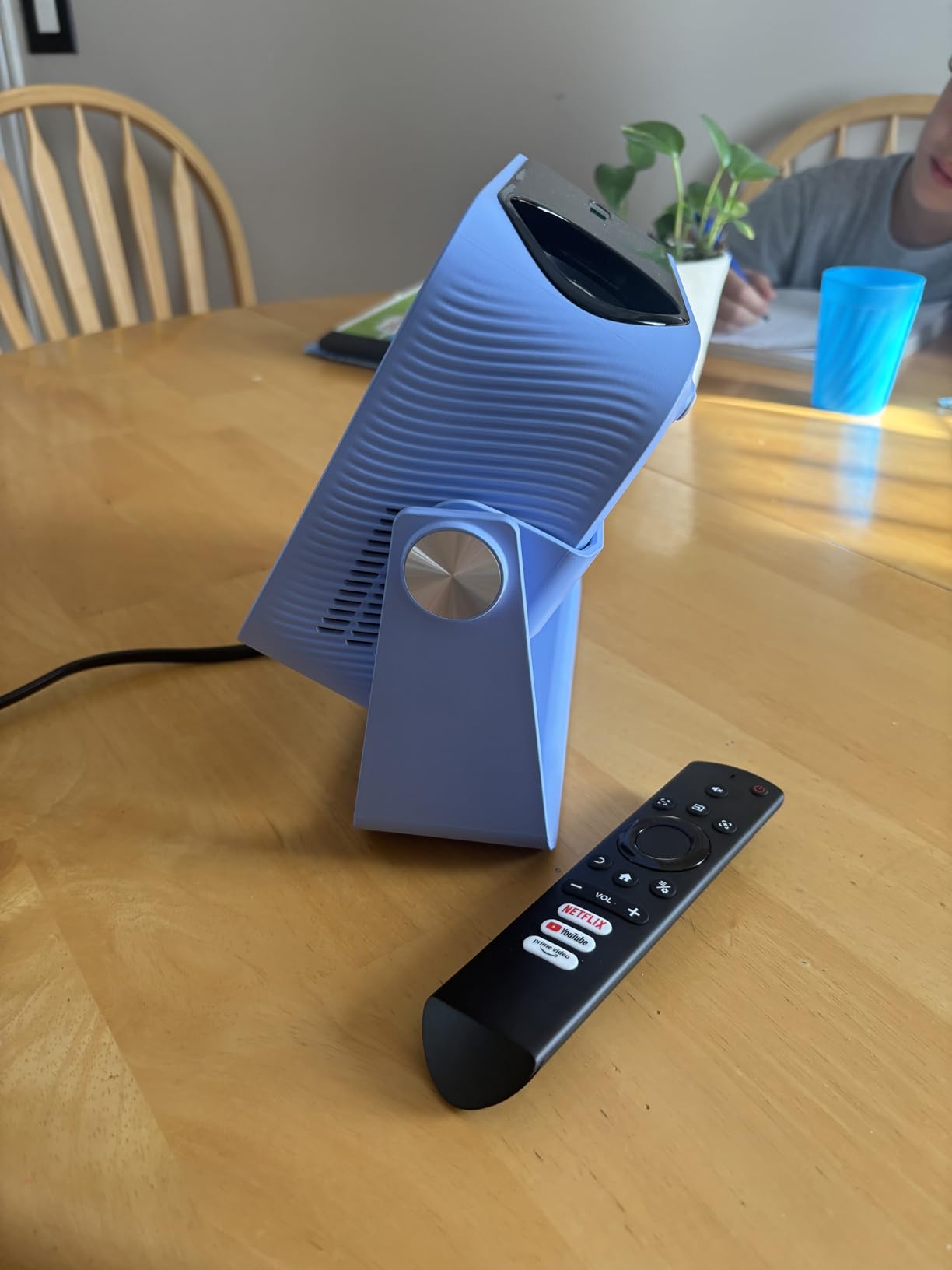
Autofocus and keystone correction address the setup variables. You’re not always projecting onto a flat, perpendicular surface. Sometimes the projector sits at an angle. Sometimes the screen isn’t perfectly vertical. Automatic adjustments mean you don’t spend ten minutes tweaking settings before you can start watching. This reduction in setup friction is what makes impromptu outdoor viewing viable. If it took fifteen minutes to get the image right, people would do it less often.
Battery life determines whether the projector stays outside or needs to return indoors for power. A built-in battery means you can set it up anywhere—a picnic area, a campsite, a rooftop—without worrying about outlet access. But battery capacity also limits runtime. Two hours is enough for a movie. Four hours handles a double feature. Beyond that, you’re either plugging in or calling it a night.
Sound quality from the projector’s built-in speakers works for casual use, but serious outdoor viewing usually involves connecting to a Bluetooth speaker or a HomePod. The iPhone can manage this too, routing audio to the speaker while video goes to the projector. The ecosystem supports this kind of distributed setup, but it introduces more devices to manage, more batteries to charge, and more things that can fail in ways that interrupt the experience.
Previously listed at $400, current listings hover around $100 (CODE COV3MFNZ) for models with native app support and wireless streaming. The price drop has made outdoor projection accessible enough that it’s no longer a specialty item. It’s something people experiment with, then integrate into their routines if it works. The iPhone’s role remains central—not because the projector requires it, but because AirPlay makes the projector feel like a natural extension of what the phone already does.
"Note: Readers like you help support The Apple Tech. We may receive a affiliate commission when you purchase products mentioned on our website."