

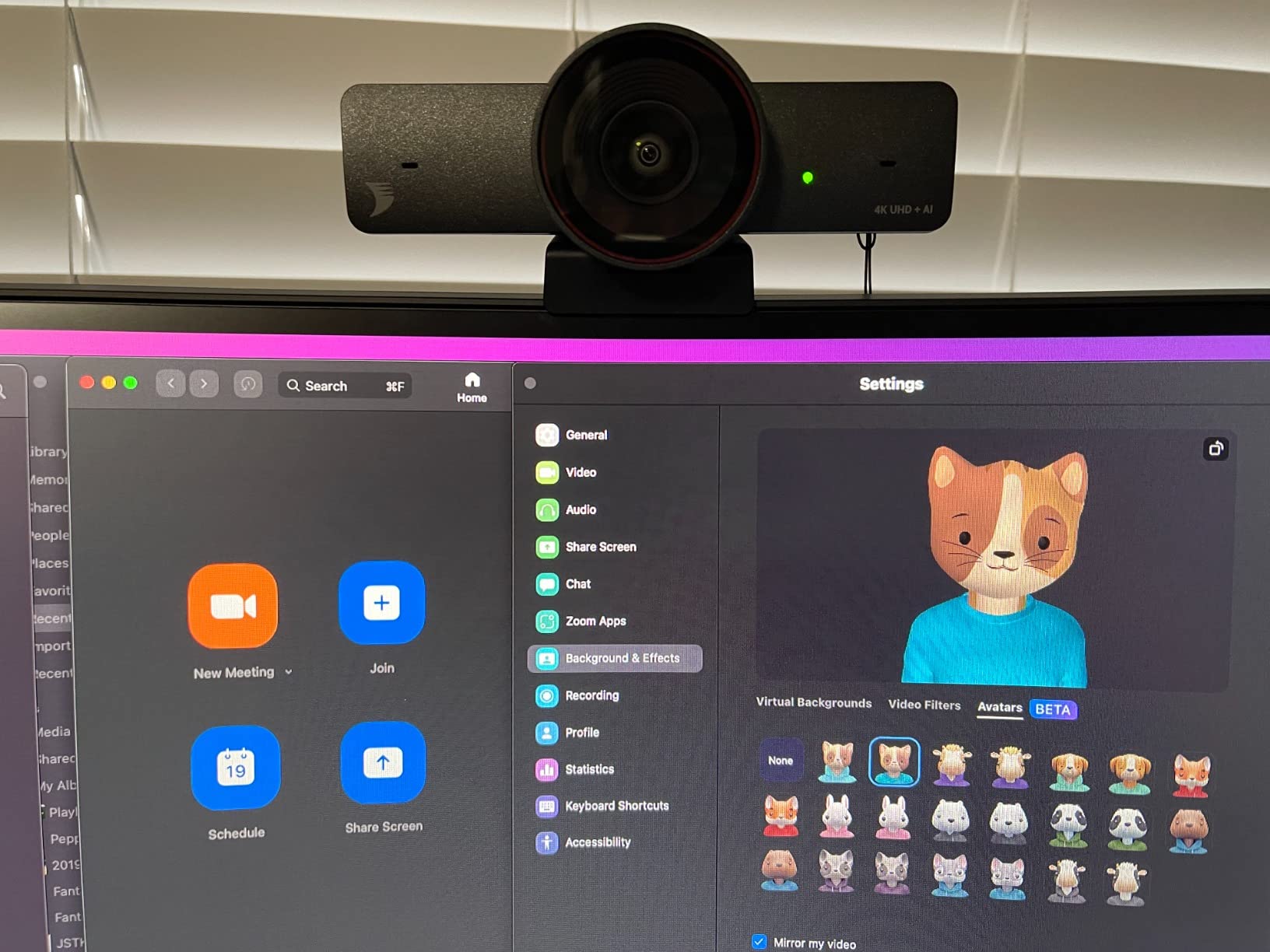
Automatic framing eliminated the need to stay centered in frame, but introduced new anxieties about when the camera decides to track movement versus when it stays still.
Video conferencing room cameras and personal webcams evolved along different paths. Room cameras serve groups, prioritizing wide coverage and speaker tracking. Personal webcams assume one person directly in front of the screen. This 4K camera with AI tracking bridges that gap—it’s designed for individuals but behaves like room equipment. That behavioral mismatch creates unexpected interactions. The camera tracks you as if you’re moving around a conference room, except you’re sitting at a desk making small positional adjustments.
The 120-degree field of view captures far more than most users intend. Sit at your desk, and the camera sees not just you but the unmade bed behind you, the laundry basket in the corner, the stack of Amazon boxes near the door. Wide angles democratize visibility. Everything in the room becomes potentially shareable. Some users respond by completely rearranging their space, creating a narrow acceptable zone directly behind their desk chair. Others accept that their domestic reality will be visible and stop performing tidiness.
Auto framing sounds like a solution to the problem of staying centered, but it creates a different problem: unpredictable motion. Lean left to grab your coffee, and the camera smoothly pans to follow. Lean back in your chair, and it zooms out slightly. These movements happen during live calls, creating motion in your video feed that draws viewer attention. Other participants notice the movement even if they wouldn’t have noticed your positional shift. The camera designed to help you appear professional instead makes your video feed more dynamic—not always in desirable ways.
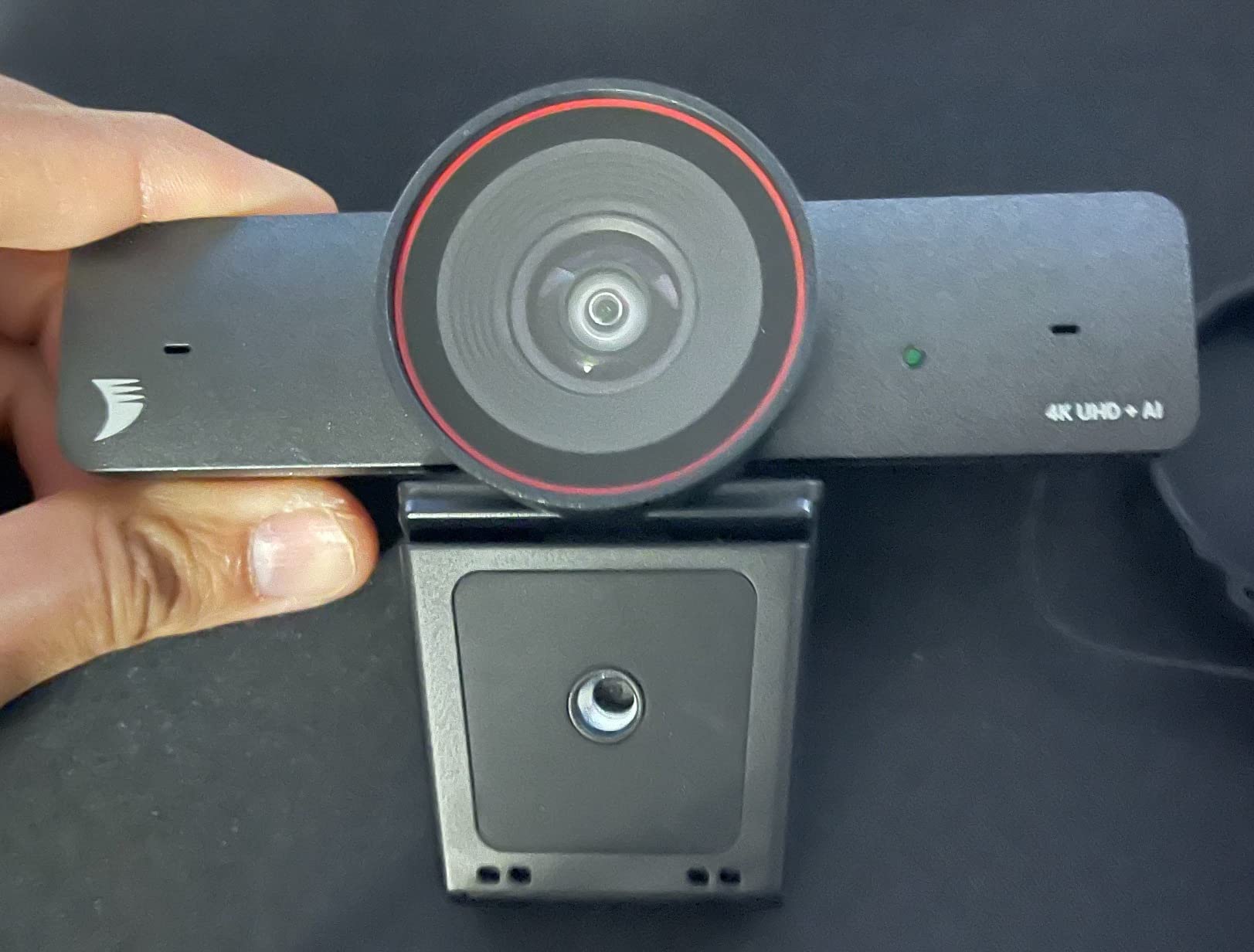
The 90fps specification matters primarily for smooth motion during tracking. Standard webcams operate at 30fps, which creates slight jerkiness when auto-framing adjusts. Higher frame rates make tracking movements appear more natural. But this benefit is only visible to call participants if the video conferencing platform supports higher frame rates, and most default to 30fps to reduce bandwidth. The 90fps capability exists but often goes unused due to software limitations beyond the camera’s control.
Eight-times digital zoom introduces quality degradation that specifications don’t adequately explain. Optical zoom maintains resolution by physically adjusting lens elements. Digital zoom crops and enlarges the image, reducing effective resolution. At maximum digital zoom on a 4K camera, output resolution drops to roughly 1080p. This matters most when zooming in for detailed work—showing a document, demonstrating a product. The image that looks clear at full width becomes noticeably pixelated when zoomed.
Dual AI noise-canceling microphones target a real problem—household background noise during calls—but create unexpected consequences. The AI distinguishes between speech and noise, suppressing the latter. This works well for steady background sounds like air conditioning or traffic. It works poorly for intermittent sounds like dog barks or children’s voices. The AI sometimes misclassifies these as speech, letting them through. Other times it correctly identifies them as noise but creates audio artifacts when suppressing them. The microphone is actively processing rather than passively recording, which means glitches manifest as unnatural silence or robotic voice quality.
Zoom certification and Microsoft Teams compatibility matter differently than users expect. Certification means the hardware meets certain requirements, not that it enables unique features. The camera works with these platforms but also with Google Meet, FaceTime, Discord, and others. The certification primarily serves IT departments making bulk purchasing decisions for corporate deployments. Individual users gain minimal benefit from the certification itself. Previously listed at $140, current listings hover around $110.
"Note: Readers like you help support The Apple Tech. We may receive a affiliate commission when you purchase products mentioned on our website."






