

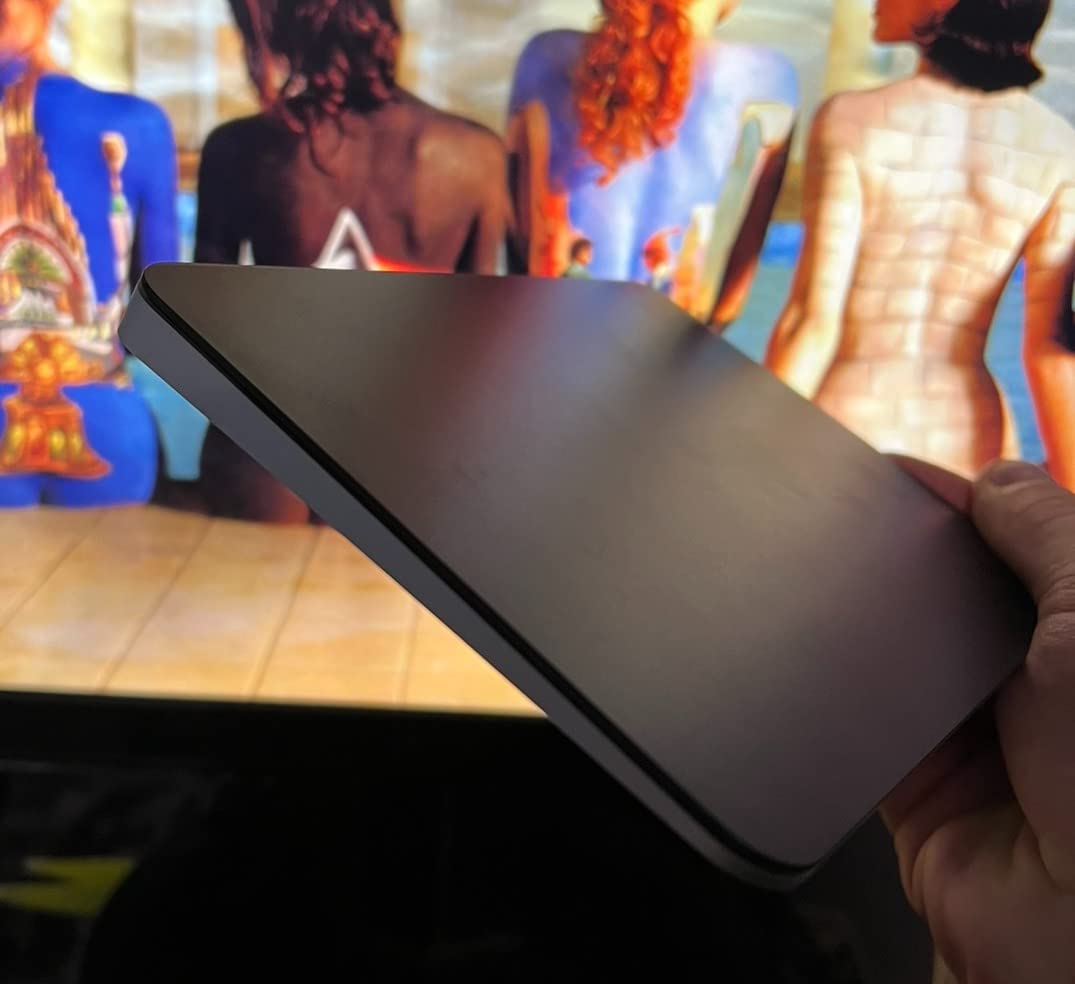
A curious behavior is appearing among people who work at desks with their MacBooks. Despite the built-in trackpad being widely regarded as among the best in the industry, external trackpads are showing up in desktop setups where the laptop sits on a stand or to the side.
The pattern reflects the ergonomic tension created when a MacBook becomes a stationary machine rather than a portable one. When the laptop is elevated for better screen positioning, the built-in trackpad moves with it, forcing users to reach upward or forward at awkward angles. An external trackpad remains at desk level where hand positioning feels more natural.
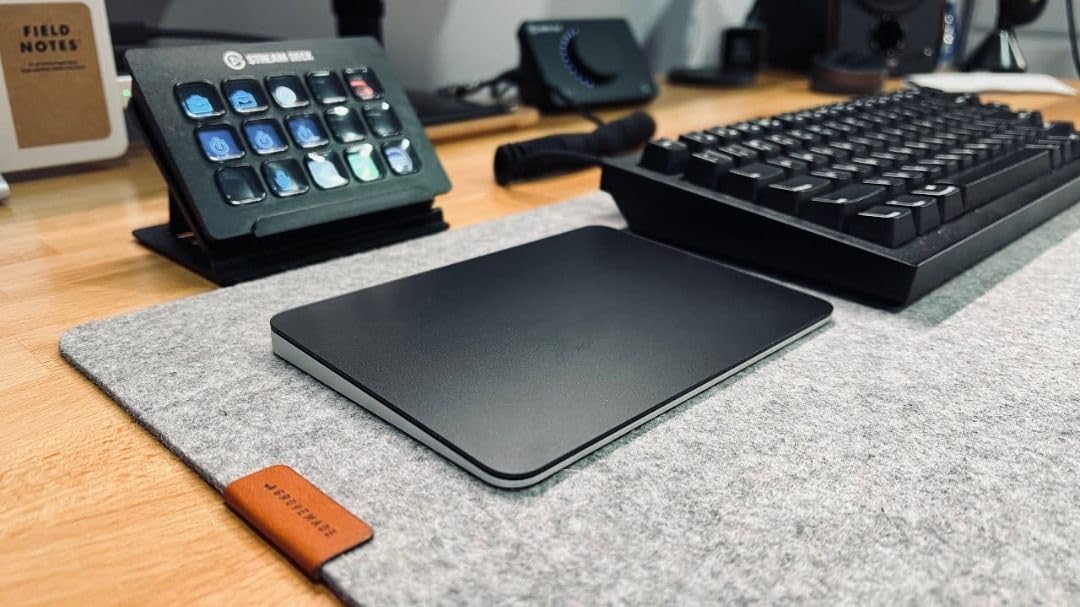
For macOS users who’ve built their workflows around gesture navigation, switching to a mouse would mean abandoning the multi-touch interactions that make system navigation feel fluid. Swiping between desktops, pinching to zoom, and three-finger dragging are behaviors that become muscle memory, and losing them represents a significant adaptation cost.
The external trackpad preserves those interactions while allowing independent positioning. The laptop can sit wherever screen ergonomics demand, and the input surface can rest where hand ergonomics prefer. The separation resolves a conflict that’s inherent in laptop design—input and output are physically bound together in ways that don’t always serve stationary use.
SIMILAR
iPhone and MacBook users are compensating for a port problem Apple created
iPhone users are eliminating the tangled cable from every car charging session
iPhone users are transforming nightstands into silent charging infrastructure
Some users report that the larger surface area of external trackpads changes how they interact with macOS. Gestures that felt cramped on the built-in surface gain breathing room, and cursor movements that required multiple swipes can often be completed in a single motion.
The behavior also reveals how many MacBook owners use their devices primarily at desks rather than in mobile contexts. The investment in external peripherals signals that portability isn’t the primary value driver—these are machines that happen to be portable but spend most of their operational hours in fixed locations.
What’s emerging is a recognition that Apple’s integration philosophy works brilliantly for mobile use but creates compromises for stationary workflows. Users are paying to undo that integration in order to optimize for the usage pattern that dominates their actual behavior.
Previously listed around $129, current listings of these external trackpad options for MacBook users now appear closer to $120.
"Note: Readers like you help support The Apple Tech. We may receive a affiliate commission when you purchase products mentioned on our website."



