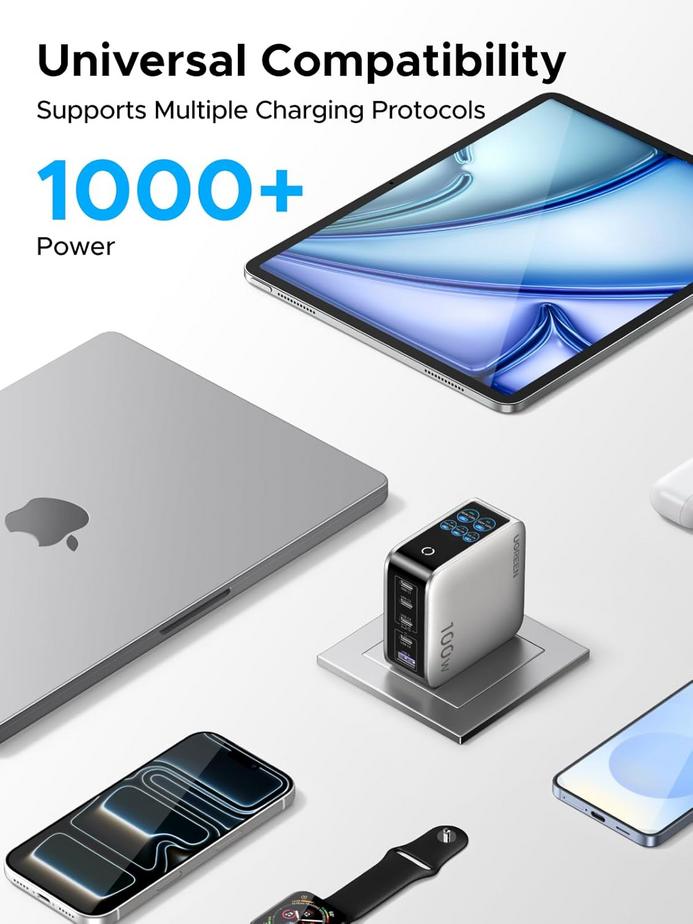
There’s an irony embedded in modern MacBook ownership: the laptop is thinner and lighter than ever, designed for portability and minimalism, but many users now keep it tethered to a desk hub with nine ports splaying out in different directions. The machine itself is sleek, elegant, a triumph of industrial design. The reality of using it looks like a miniature server rack.
The shift happened gradually. Apple reduced the number of ports on MacBooks over successive generations, betting that USB-C would become universal and that most people would embrace wireless peripherals and cloud storage. For some users, that vision materialized—they charge via USB-C, connect to nothing else, and the laptop exists in the clean, cable-free state Apple imagined. But for others, the reduction in ports created a mismatch between what the laptop offered and what their workflow required.
Those users need external monitors. They need wired keyboards and mice because Bluetooth latency matters or because they just prefer the reliability of a physical connection. They need ethernet because WiFi is inconsistent or because their work involves large file transfers that wireless can’t handle efficiently. They need SD card readers for cameras, USB-A ports for legacy devices, audio jacks for headphones or speakers that don’t support Bluetooth. The MacBook has two or three USB-C ports. The desk setup requires nine connections. The math doesn’t work without a hub.
Docking stations solve this by consolidating everything into a single cable. You plug the hub into one USB-C port on the MacBook, and suddenly all nine peripherals are accessible—display output, charging, data transfer, network connection, audio, everything routed through one tether. When you need to leave, you unplug one cable instead of nine. It’s more convenient than the alternative, but it’s also an admission that the laptop alone isn’t enough, that the minimalist port design requires an accessory to be functional.
The laptop is still portable, technically, but the ecosystem around it has become so stationary that leaving the desk feels like breaking down a small office. People who use docking stations often describe their MacBooks as having two modes: docked mode, where everything works and the laptop functions like a desktop, and portable mode, where capabilities are reduced and you’re suddenly aware of everything you don’t have access to. The transition between those modes introduces friction—not the smooth, seamless experience Apple products are supposed to provide, but a constant negotiation between mobility and functionality.
What’s interesting is how normalized this setup has become. A few years ago, needing a nine-port hub would have felt like an edge case, something only power users or professionals required. But remote work, video calls, multi-monitor setups, and the proliferation of USB-C devices that still require adapters have pushed docking stations into mainstream use. They’re no longer niche accessories. For many MacBook owners, they’re essential infrastructure, the thing that makes the laptop usable in the way they actually need it to be.
The economics have also changed. Docking stations used to be expensive, priced for corporate buyers with IT budgets. But competition has driven costs down—some nine-port hubs are currently available with discounts as steep as 62 percent on platforms like Amazon—making them accessible to anyone who needs more connectivity than their MacBook provides out of the box. At that price point, the hub stops being a luxury and becomes a practical necessity, something you buy not because you want to but because the alternative is juggling dongles and adapters constantly.
Not everyone uses one. People who primarily work on the laptop screen, who don’t need external displays or wired peripherals, who embrace the wireless ecosystem Apple envisioned—they’re fine with the ports the MacBook has. But for those who need more, the docking station is the solution, and the fact that it’s needed at all raises questions about whether the port reduction was a design choice that prioritized form over function.
The hub itself isn’t elegant. It’s a box with cables sprouting out, functional but ungainly, the kind of object you hide behind the monitor or under the desk because it doesn’t fit the aesthetic of the rest of the setup. But it works, and for people whose workflows depend on connectivity, that’s enough. The MacBook remains beautiful, thin, portable. The docking station remains clunky, necessary, permanent. And somewhere in the gap between those two objects is the reality of how people actually use their laptops—not in coffee shops with a single USB-C charger, but at desks, surrounded by the infrastructure required to make the minimalist design functional.
"Note: Readers like you help support The Apple Tech. We may receive a affiliate commission when you purchase products mentioned on our website."