


A specific frustration is surfacing among people who use wireless mice with their Macs. The charging process itself isn’t problematic—it’s that the charging port placement makes the mouse unusable during power restoration, transforming what should be a background task into a workflow interruption.
The pattern reveals a design tension between wireless convenience and charging accessibility. When a mouse needs power, users must stop work, flip the device over, connect a cable to a bottom-mounted port, and wait. The mouse becomes temporarily non-functional, and any active task requiring cursor control must pause until charging completes or an alternative input method is located.
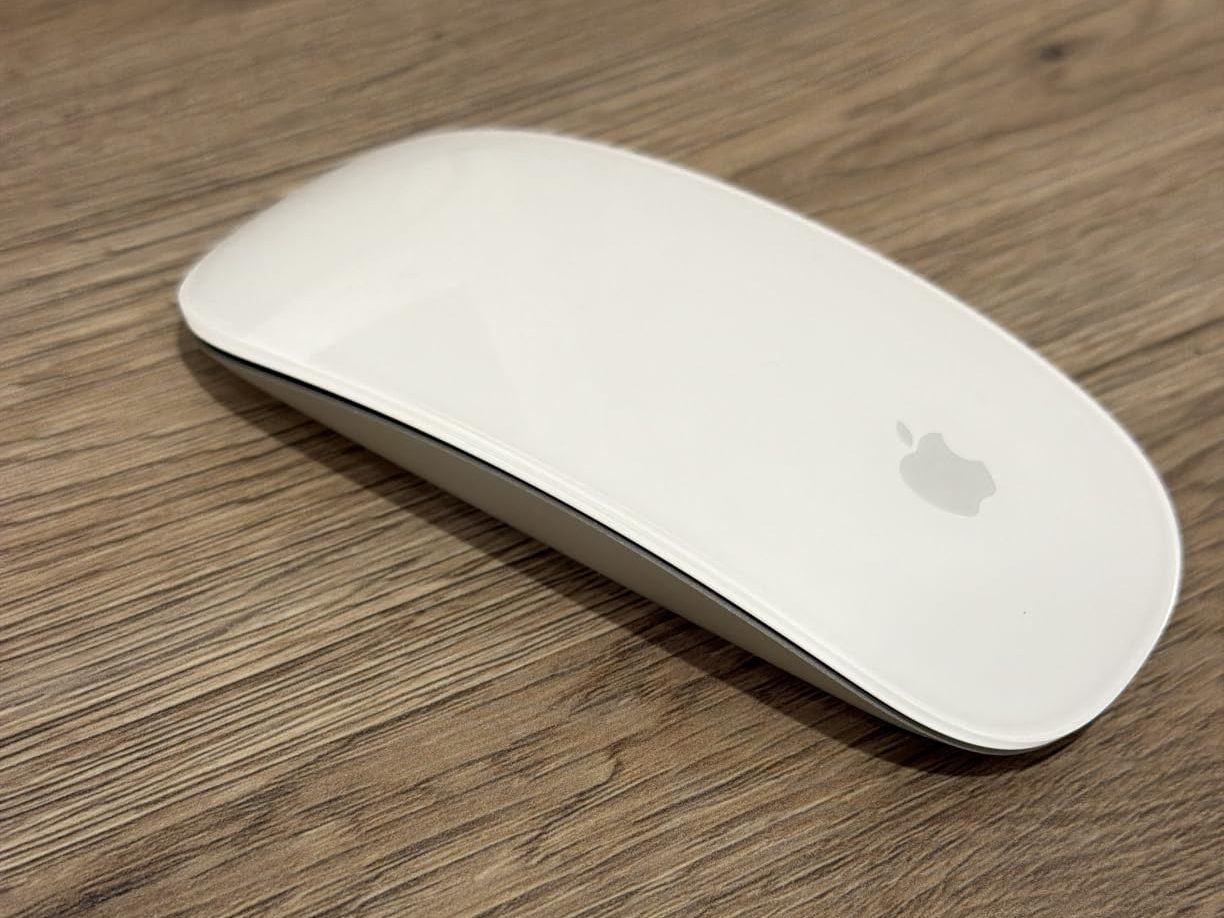
For macOS users who’ve structured their workflows around mouse-based navigation, this interruption creates a specific kind of friction. It’s not the duration of charging that matters—it’s the unpredictability of when charging will be necessary and the complete loss of functionality during the process. There’s no degraded-but-usable state, only full function or complete unavailability.
Some users have adapted by keeping backup input devices nearby or by developing heightened awareness of battery indicators to ensure charging happens during natural work breaks rather than in the middle of active tasks. But both adaptations require conscious attention to something that ideally would be automatic.
SIMILAR
iPhone and MacBook users are compensating for a port problem Apple created
iPhone users are eliminating the tangled cable from every car charging session
iPhone users are transforming nightstands into silent charging infrastructure
The behavior is most disruptive during extended work sessions where flow state matters. Being forced to interrupt concentration because a peripheral needs charging breaks the continuity that makes deep work possible, and the frequency of these interruptions influences how people think about their input device choices.
The shift also reveals broader tension about how wireless devices handle the inevitable need for power. Phones and tablets can charge while remaining fully functional, but this particular mouse design sacrificed usability during charging for aesthetic and structural reasons. Users are discovering that the tradeoff doesn’t align with their actual usage patterns.
What’s notable is how this single design decision influences long-term satisfaction with an otherwise functional peripheral. The mouse works well when powered, but the charging interruption creates memorable negative experiences that accumulate over time and influence whether users seek alternatives.
Previously listed around $52, current listings of these wireless mouse options for MacBook users now appear closer to $48.
"Note: Readers like you help support The Apple Tech. We may receive a affiliate commission when you purchase products mentioned on our website."






