

The FaceTime camera on MacBooks has improved incrementally over the years, but the shift to remote work exposed a quality gap that software enhancements alone haven’t closed.
The MacBook’s built-in camera serves its purpose. It works for FaceTime, for Zoom calls, for quick check-ins. The image is clear enough that people can see your face and understand your expressions. It’s also noticeably worse than what even a mid-range external camera can produce, and in a work environment where video calls have become the primary mode of interaction, that difference registers.
Lighting is the first variable. The built-in camera has a fixed lens and a fixed sensor, which means it captures whatever ambient light exists. If you’re sitting with a window behind you, you become a silhouette. If the room is dim, the image turns grainy. An external camera doesn’t solve bad lighting, but it handles marginal lighting better, pulling more detail from the same scene and producing an image that looks intentional rather than improvised.
Angle matters more than people expect. The MacBook sits on a desk, which means the camera points slightly upward unless the laptop is elevated. This creates an unflattering perspective—double chins, visible nostrils, a view that makes you look like you’re peering down at the screen rather than engaging with it. An external camera mounted at eye level or slightly above changes the framing entirely. You look like you’re in a professionally shot video instead of a hastily arranged call.
Apple has improved the FaceTime camera in recent MacBook models, adding better sensors and computational photography features that adjust exposure and color balance. Center Stage keeps you in frame even if you move around. These are meaningful upgrades, but they also highlight the baseline problem: the camera is still small, still embedded in the lid, and still constrained by the physical limitations of a laptop chassis. An external camera has more room for better optics, a larger sensor, and more light-gathering capability.
Autofocus becomes essential when you’re not sitting perfectly still. The built-in camera has fixed focus, optimized for typical laptop-to-face distance. If you lean forward to read something, or lean back to think, or shift in your chair, the focus doesn’t adapt. An external camera with autofocus keeps you sharp regardless of movement, which makes the video feel more natural. The built-in camera is adequate for casual calls, but adequacy becomes a problem when video is how colleagues assess your professionalism.
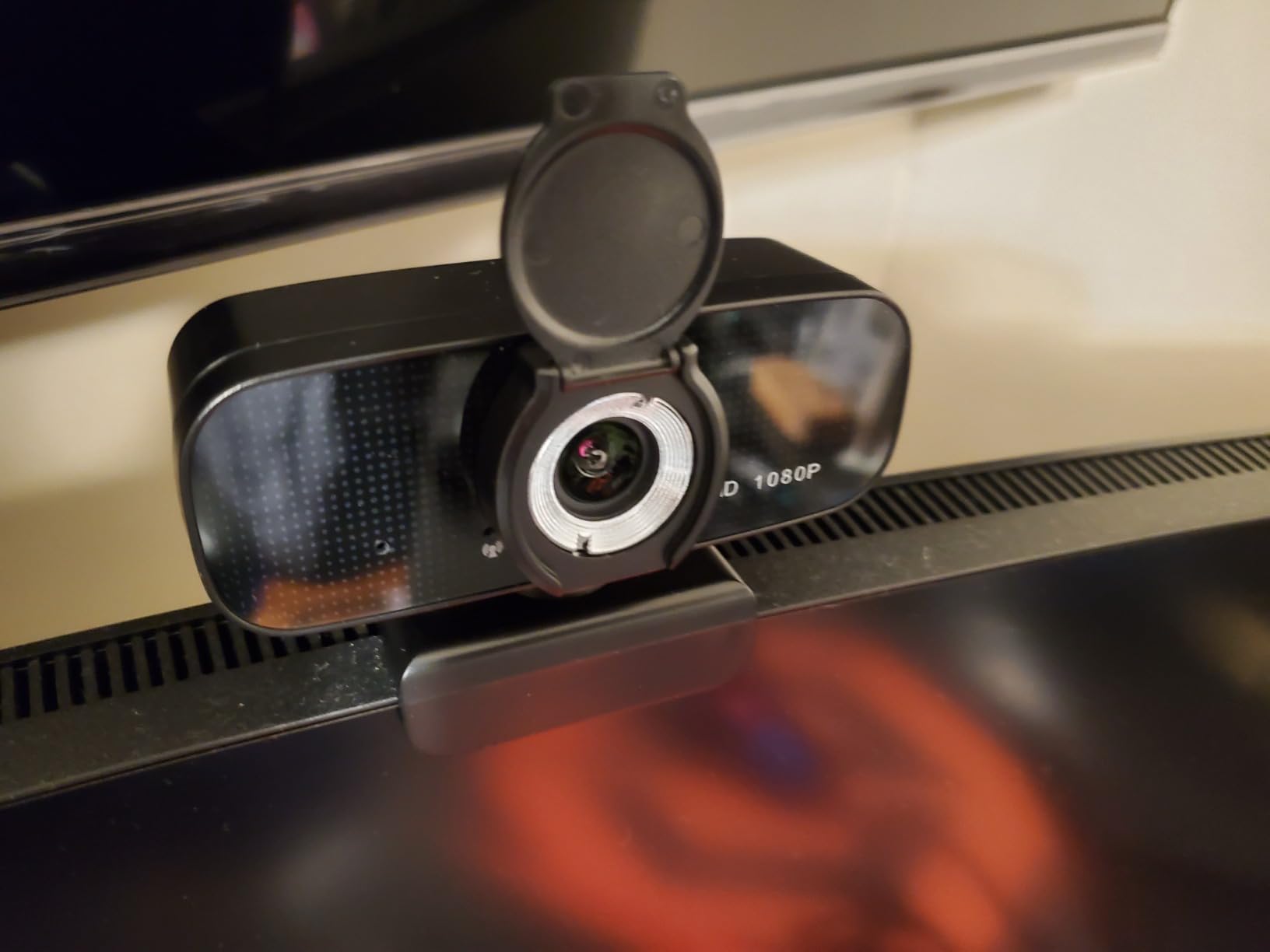
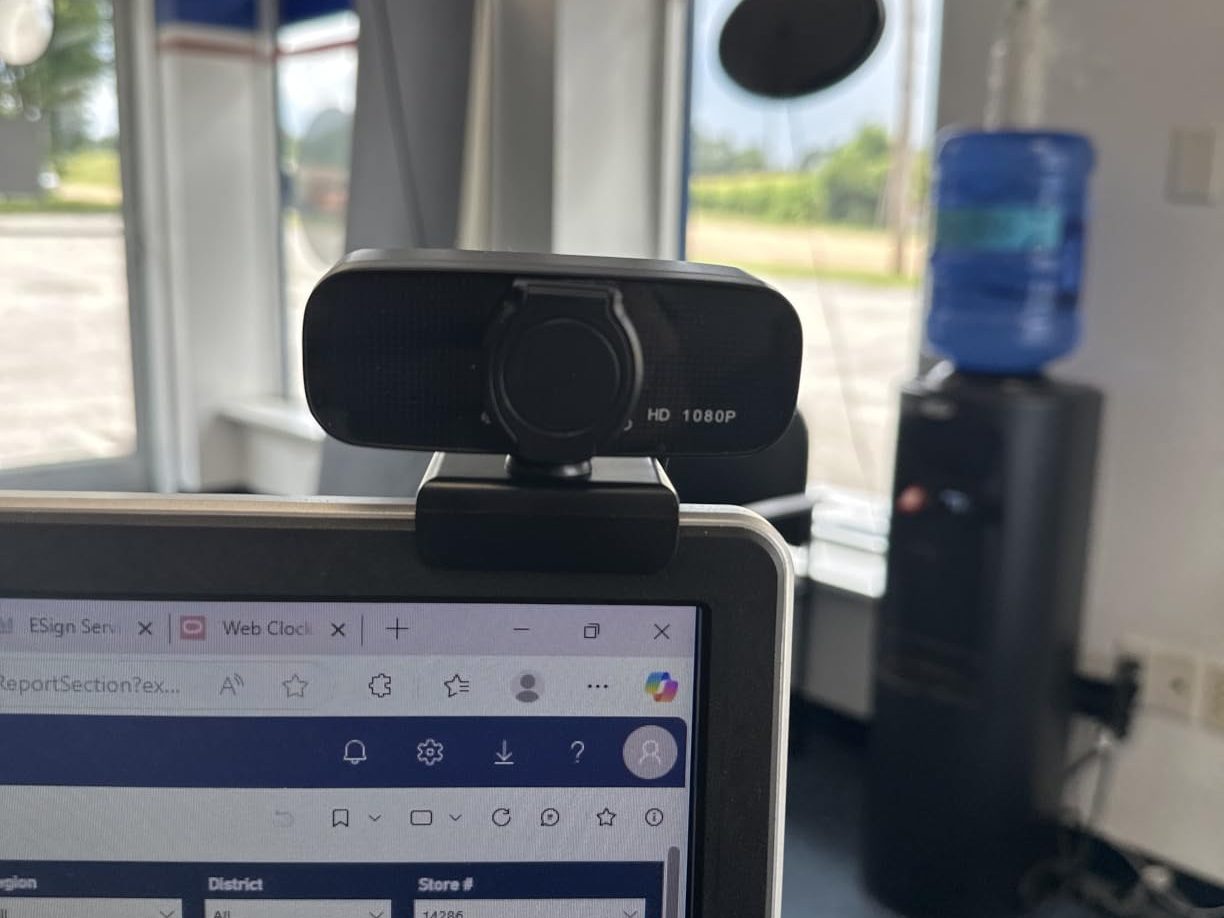
Privacy covers address a low-level anxiety that persists despite software controls. macOS shows a green light when the camera is active, but some users remain uneasy about the potential for unintended activation. A physical cover provides mechanical certainty—the camera cannot see anything when the cover is closed. This matters more in home environments where the laptop stays open and unlocked for long periods, potentially accessible to other people or vulnerable to software exploits.
The plug-and-play requirement reflects macOS’s approach to peripherals. The external camera shouldn’t need drivers, shouldn’t require configuration, shouldn’t introduce compatibility issues. It connects via USB, macOS recognizes it, and it becomes the default camera in FaceTime, Zoom, and every other video app. The moment it requires troubleshooting or manual setup, it stops being a solution and becomes a new problem. The appeal of external cameras is that they work immediately, or they’re not worth the effort.
Previously listed at $27.77, current listings hover around $14 (code PBY38O2K) for models with dual microphones and 1080p resolution. The price point has made external cameras accessible enough that upgrading from the built-in FaceTime camera is no longer a significant investment. The friction isn’t cost—it’s desk space, cable management, and the acknowledgment that the MacBook’s integrated hardware, while convenient, isn’t sufficient for the demands of a video-first work culture.
"Note: Readers like you help support The Apple Tech. We may receive a affiliate commission when you purchase products mentioned on our website."






