

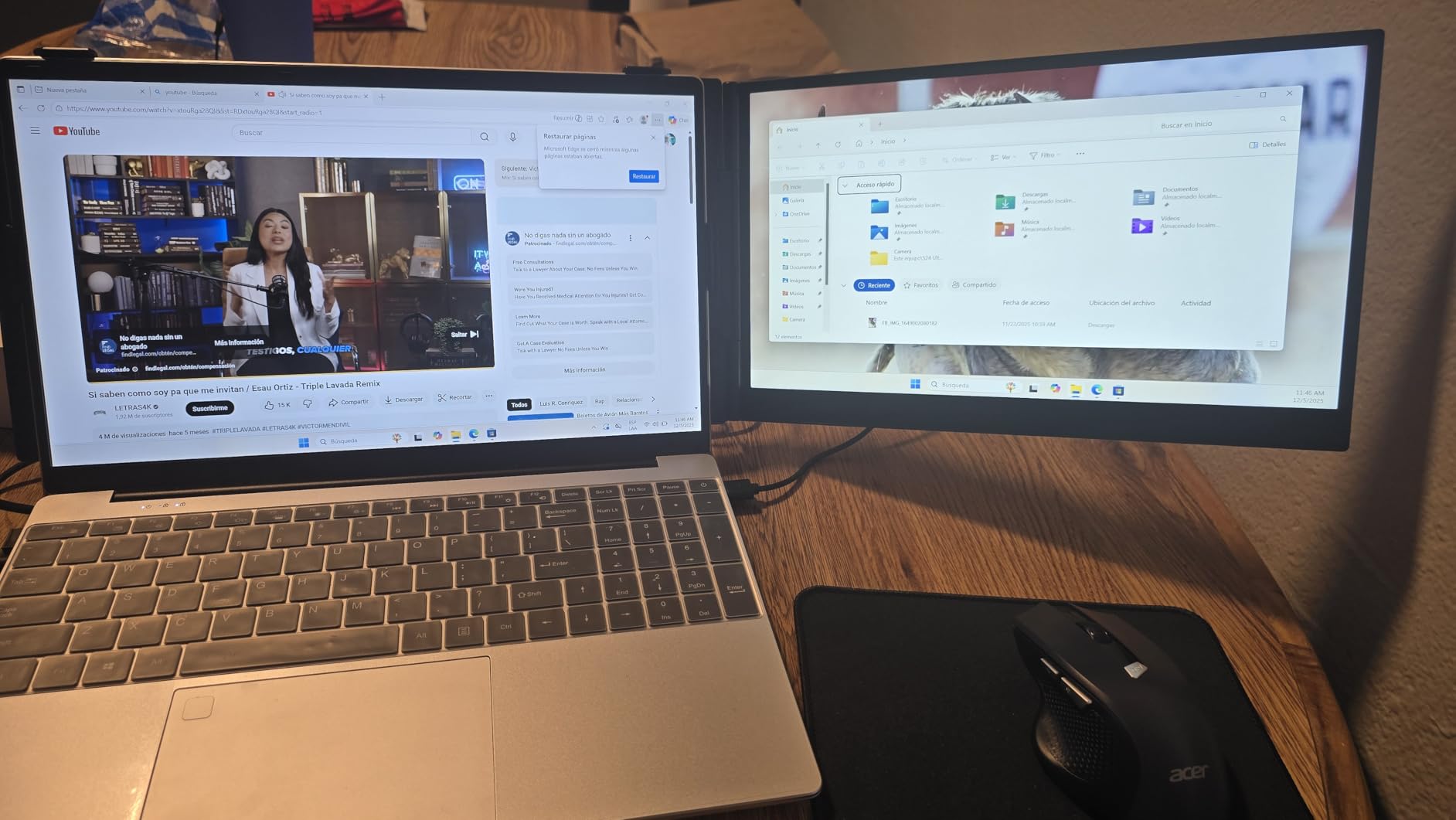
The tension between mobility and productivity has intensified as work follows people away from desks, pushing demand for display solutions that travel without requiring permanent desk setups.
The MacBook screen is sufficient when you’re writing an email or browsing. It stops being sufficient the moment your work involves comparing documents, monitoring dashboards, or referencing data while building something else. On a fixed desk, you’d add an external monitor. On the road, that option disappears unless you’re willing to work in a way that feels cramped and inefficient.
Portable display extenders address this by attaching directly to the laptop, creating additional screen real estate that folds out from the device itself. The setup doesn’t require a desk-mounted monitor, a stand, or separate power—just USB-C connectivity and a willingness to work with screens that aren’t perfectly aligned or ergonomically optimized. The coffee shop table becomes a three-screen workspace, then collapses back into a backpack when it’s time to leave.
This trade-off is more pronounced with macOS than it might be with other systems. Apple’s interface design assumes you’re either working on a laptop screen alone or at a desk with a proper external display. The middle ground—portable displays that expand the workspace temporarily—wasn’t something the ecosystem explicitly designed for. Stage Manager helps manage windows across multiple screens, but the experience still feels like you’re adapting macOS to a use case it didn’t originally anticipate.
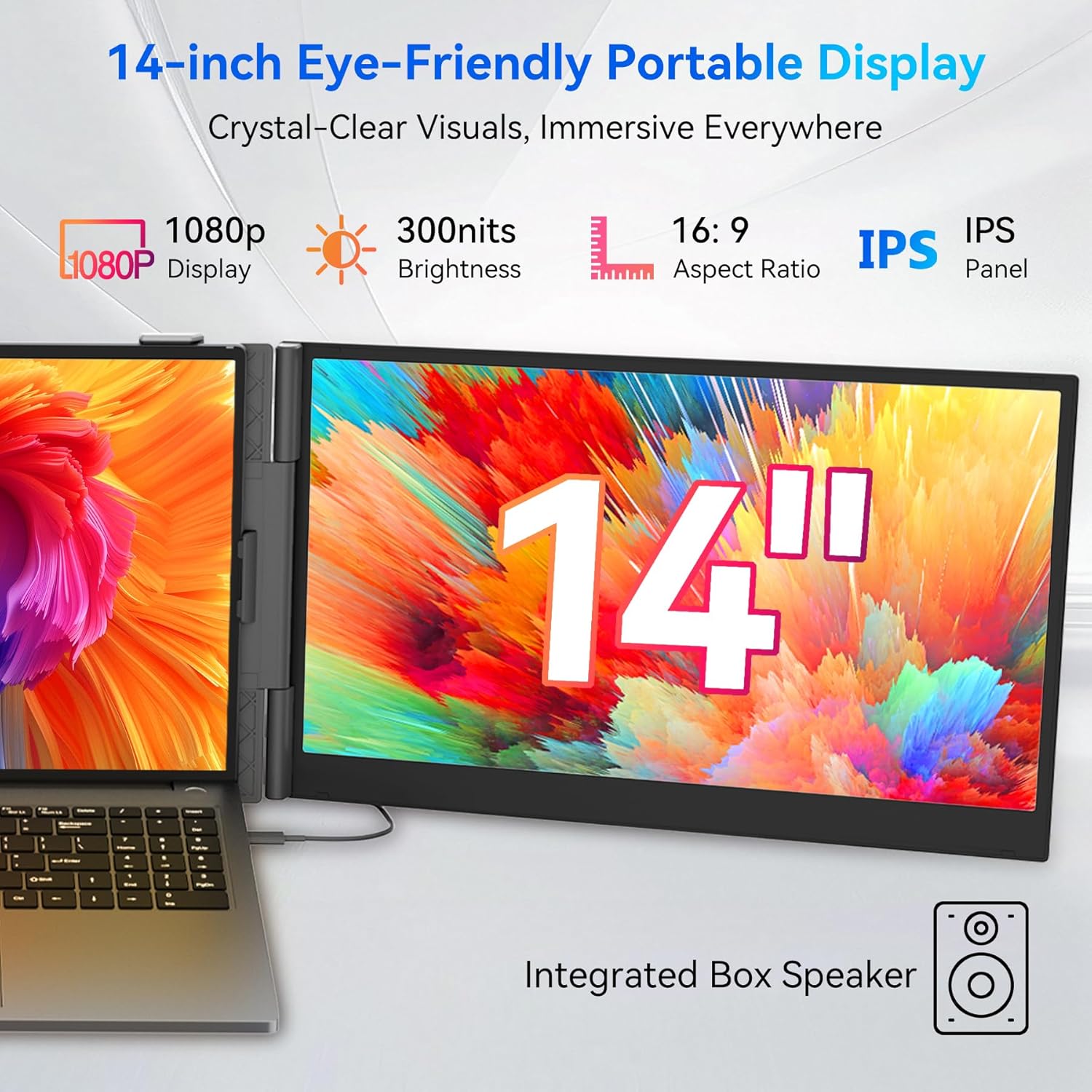
Weight becomes the limiting factor. Adding two 14-inch displays to a MacBook Pro increases the total carrying weight significantly. The portability is relative—you can transport the setup, but it’s no longer light enough to casually throw in a bag. The user is making a conscious choice: more screen space in exchange for more bulk. For people whose work genuinely needs the extra displays, the trade makes sense. For everyone else, the added weight is a constant reminder that portability and productivity exist in tension.
Power draw is another consideration. The displays pull power from the MacBook, which means the laptop battery depletes faster. You’re not just powering a 13-inch or 14-inch screen—you’re powering three. A full workday on battery becomes implausible. The setup works well when you have access to power, but it constrains mobility in situations where outlets aren’t available. The MacBook’s battery life, already a managed resource, becomes something you’re actively rationing.
The aesthetic disruption is unavoidable. A MacBook on a table looks clean, minimal, intentional. A MacBook with two additional screens extending from either side looks utilitarian, improvised, almost aggressive in how much visual space it claims. This matters more in public settings—coffee shops, libraries, co-working spaces—where the setup draws attention. Some users don’t mind. Others find the conspicuousness uncomfortable, as if they’re apologizing for needing more screen space than the environment was designed to provide.
Setup and teardown time accumulates over repeated use. Unfolding the displays, connecting the cable, adjusting the angles, arranging windows—none of this is complicated, but it’s not instant either. If you’re working in one location all day, the setup time is negligible. If you’re moving between locations every few hours, the friction compounds. The MacBook alone is a device you can open and start using immediately. The multi-display setup requires a minute or two of configuration each time, which changes how spontaneously you can work.
Previously listed at $400, current listings hover around $200 (CODE R96P7DP8) for dual-display configurations that work via a single USB-C connection. The price point suggests these are tools for serious use cases, not casual enhancements. People who buy them have already done the math—they know their work benefits from the additional screen space, and they’re willing to accept the weight, the power draw, and the setup friction. For that narrow audience, the portable display extender solves a real problem. For everyone else, the MacBook’s built-in screen remains sufficient, not because it’s ideal, but because the alternative introduces more complexity than the situation demands.
"Note: Readers like you help support The Apple Tech. We may receive a affiliate commission when you purchase products mentioned on our website."






