

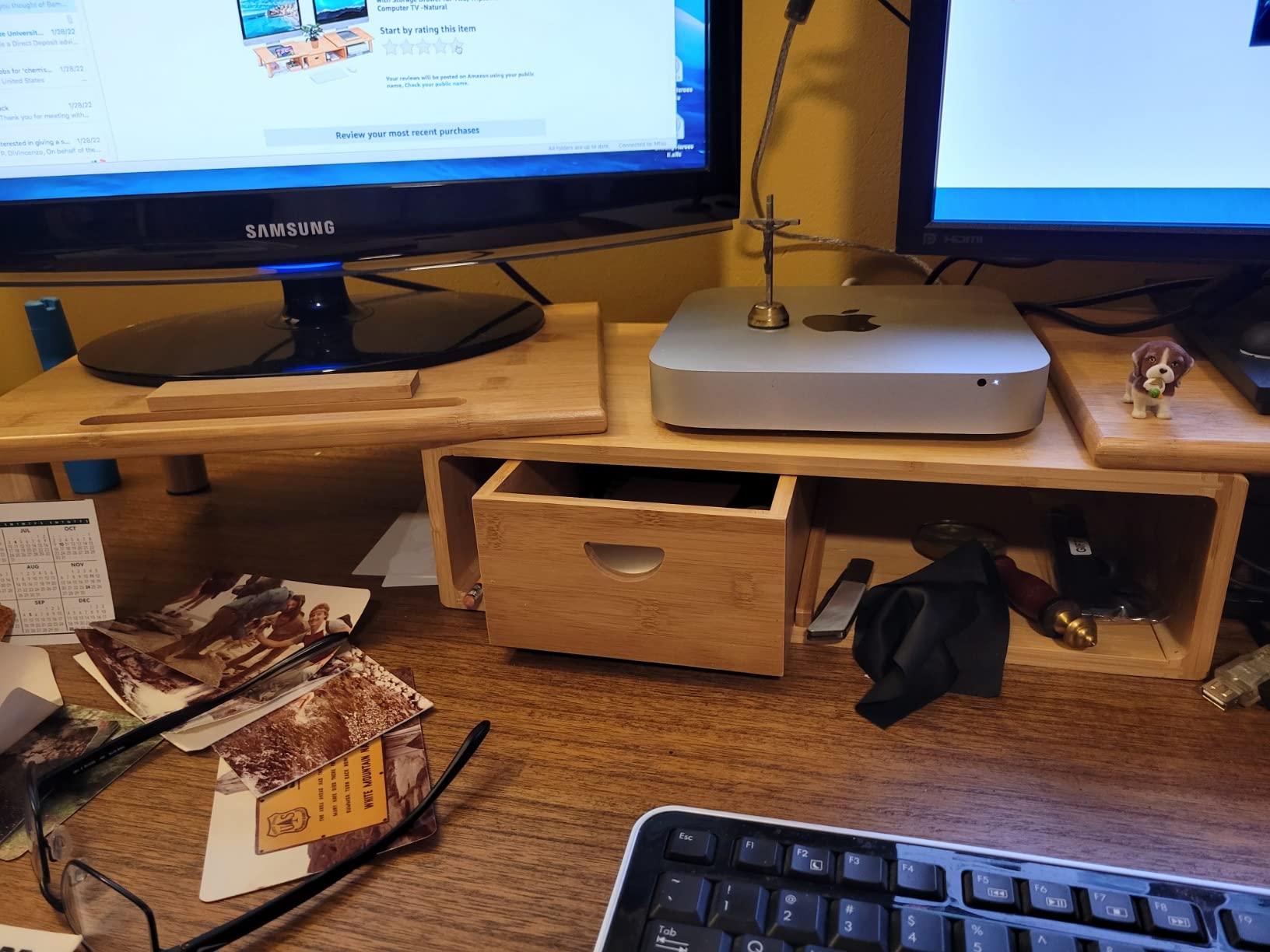
The expectation was straightforward: add external monitors to a MacBook, expand the workspace, and let macOS handle the rest. But after a few weeks of use, many people find themselves adjusting desk height, shuffling cables, and questioning whether the laptop screen still serves a purpose once two larger displays are in play.
Part of the tension stems from macOS treating the built-in display as primary by default, even when flanked by larger panels. The Dock appears on the laptop screen unless manually reassigned. Notifications arrive there first. The result is a subtle tug-of-war between where the system expects attention and where the user’s eyes naturally land.
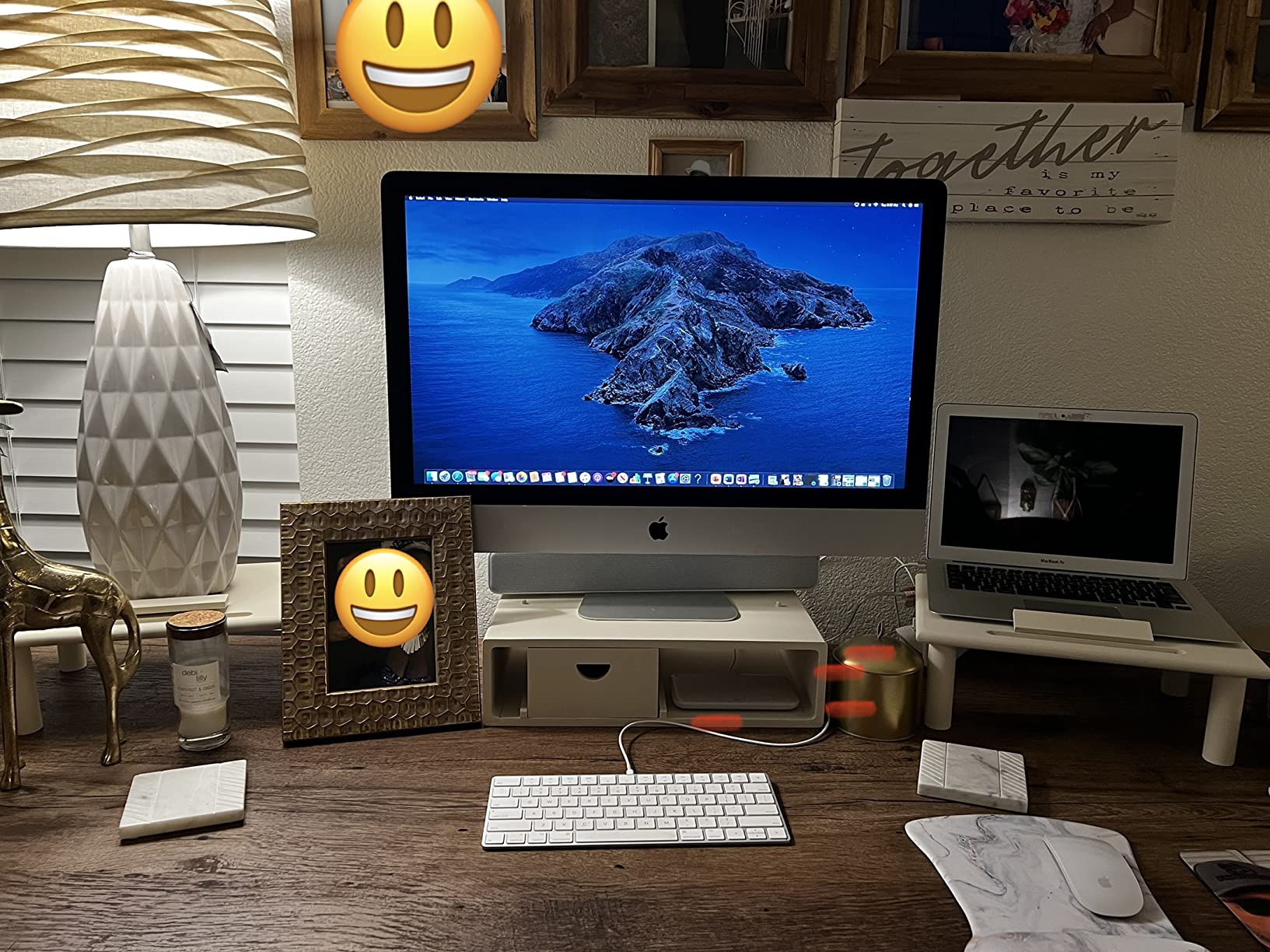
This has led to a quiet shift in desk arrangement. Instead of centering the MacBook between two monitors, some users are pushing it to the side or elevating it on a riser to create a tiered viewing plane. The laptop becomes less of a focal point and more of a tertiary display—useful for background tasks but no longer the anchor of the workflow.
The desk itself has become a staging area for competing screen hierarchies. Risers that accommodate two or three screens while offering storage underneath have grown more common, not because they’re new but because the need to physically contain and organize multiple displays has intensified. The design language is utilitarian: bamboo, metal, adjustable angles—nothing that suggests status, just function.
What’s revealing is how little this friction gets discussed in Apple ecosystem conversations. There’s no official guidance on optimal monitor placement for macOS users. No Settings panel that automatically reorients window management based on external display size. The software assumes the user will adapt, and most do, but not without rearranging furniture first.
SIMILAR
iPhone and MacBook users are compensating for a port problem Apple created
iPhone users are eliminating the tangled cable from every car charging session
iPhone users are transforming nightstands into silent charging infrastructure
For those working long sessions at home, the adjustment period isn’t about learning new shortcuts. It’s about reconciling the spatial logic of macOS with the physical reality of how human attention distributes across three screens. The laptop lid stays open not because it’s ideal, but because closing it disables certain features unless a keyboard and mouse are already connected.
The behavior shift is less about abandoning the MacBook as a standalone device and more about acknowledging that its role changes when tethered to a larger display ecosystem. The desk setup becomes the workspace, and the laptop becomes one component within it—elevated, angled, and often relegated to tasks that don’t require sustained focus.
Previously listed around $60, bamboo monitor risers designed to hold two or three screens now appear frequently in home office configurations, reflecting a broader recalibration of how MacBook users are managing screen real estate without Apple’s explicit input.
"Note: Readers like you help support The Apple Tech. We may receive a affiliate commission when you purchase products mentioned on our website."






