
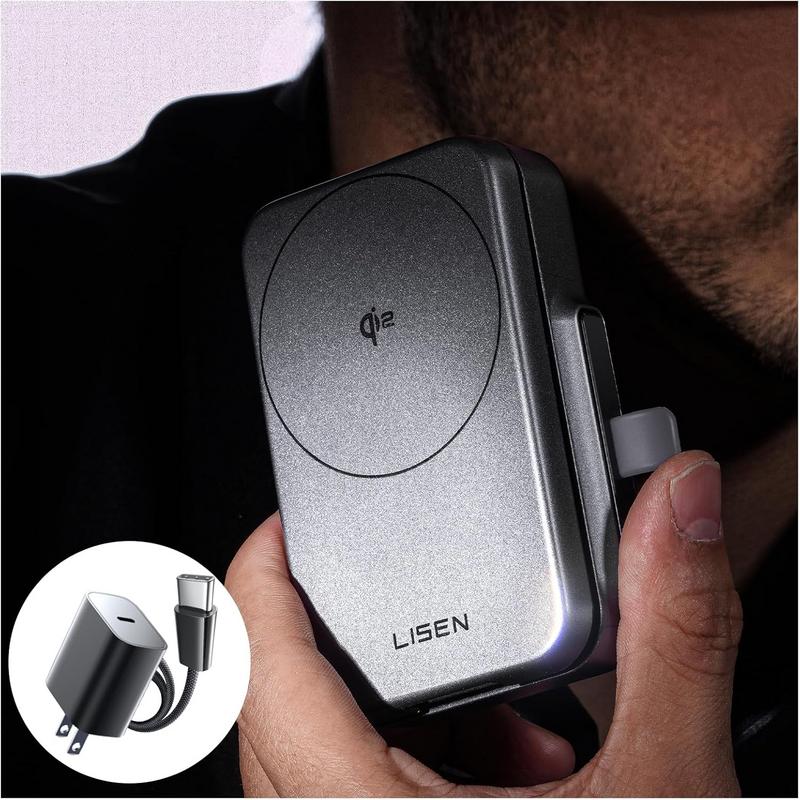
There’s a familiar hush before daybreak when your iPhone awakens under a soft glow and your Apple Watch rests on its charging puck. Introducing a single slab of plastic and aluminum—designed to cradle all three devices—can unsettle that balance. Your hand, trained by months of instinct, hesitates as it searches for each familiar cable and puck, revealing how finely tuned our nightstand rituals truly are.
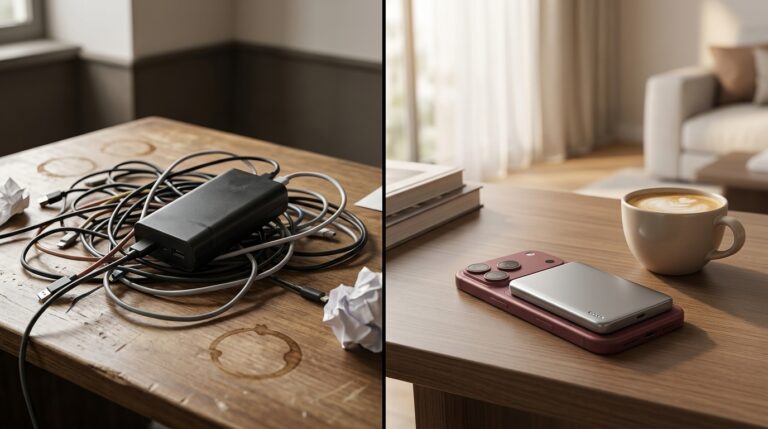
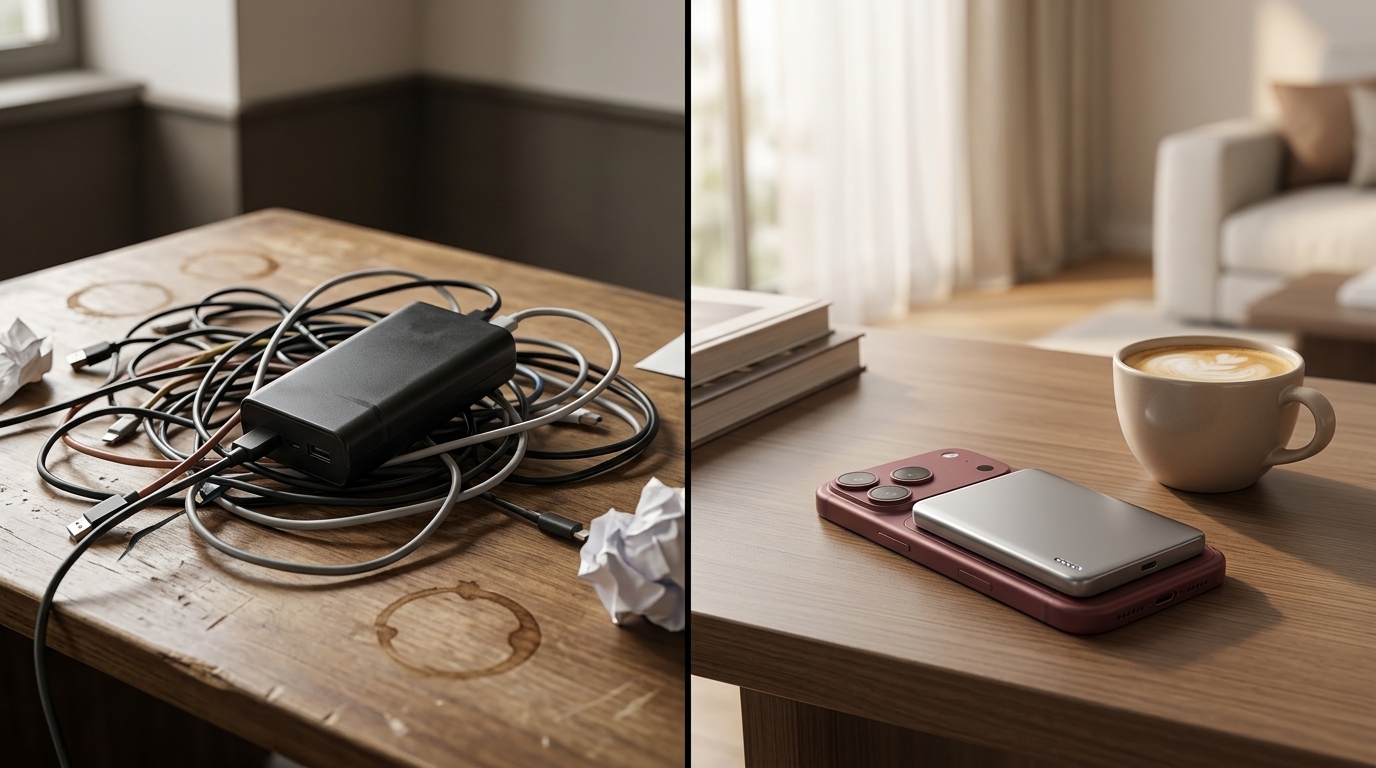
At a home office desk, the choreography is just as precise. A MacBook’s MagSafe connector lies coiled beside the coffee mug, an iPad stands at attention on its Smart Folio, and a pair of AirPods rests within reach—all plugged in through an array of cables. The new Qi2 station nudges one cable further from the socket, shifting the alignment of everything else by millimeters. It’s in that slight friction—objects no longer quite where you expect—that the routine fractures.
When evening arrives, you often fumble in near-darkness. Fingers search for the crisp magnetism of MagSafe before brushing past USB-C cables. Now, you find yourself learning a new spatial map: the Qi2 pad’s rounded edges, the phone’s tilt, watch puck’s angle. In the quiet hum of devices recharging, the act of placing each gadget becomes deliberate, almost ritualistic in its repetition.
Packing for an overnight trip, you inevitably pause before deciding what to carry. Three cables and two puck connectors versus a single stand—both solutions come with trade-offs. The station’s footprint is too generous for a slim backpack pocket, yet unpacking it at your destination feels oddly familiar. You watch as colleagues jostle cables in their bags, while you commit the weight distribution of a modular dock to memory.
Charging habits reflect our low-level anxieties. A glance at the iPhone’s battery percentage influences when you pause for a mid-day top-up. The Apple Watch should never dip below fifty percent before sleep, and the AirPods case sits in limbo until the next call or commute. The Qi2 station interjects a new hierarchy: phone first, watch second, earbuds rarely, shifting which device gets priority under its broad charger.
These adjustments might seem trivial, but they underscore a deeper dependence on ecosystem uniformity. When one charger’s geometry changes, it ripples through how we rest, work, and travel. Over time, familiarity grows, and the initial awkwardness fades—but not without leaving a trace in our head, a mental note of where each hinge, cable, and puck now belongs.
Recent listings reflect reductions of around 65% compared with earlier availability.
This product is available on Amazon.
Check current availability here
Can I use this Qi2 MagSafe station with any iPhone and Apple Watch model?
It supports MagSafe-compatible iPhones and most Apple Watch series, relying on standard Qi and inductive charging protocols.
Does the station require multiple USB-C adapters?
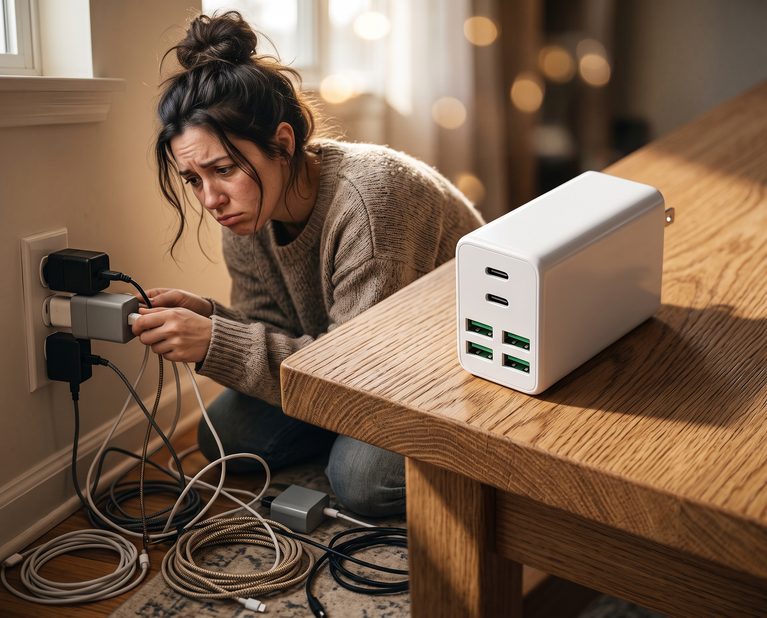
No. A single USB-C input provides power to all three charging areas, simplifying cable management.
Will this station affect my existing cable routines for MacBook or iPad?
It’s designed to coexist with other chargers. You can reserve dedicated ports for MacBook and iPad without disrupting their cables.
How should I monitor battery levels when using a unified charging station?
Check each device’s screen or case LED after placement; the station itself doesn’t display status indicators.
Verdict
A single three-in-one charging slab illuminates how quietly ingrained our device habits can be. Shuffling cables and adjusting device positions exposes tiny frictions we rarely acknowledge. Over days and weeks, the new station settles into place, but it reminds us that every gadget—iPhone, Apple Watch, AirPods—carries its own gravitational pull in our routines. In observing those pulls, we see how small shifts quietly reshape our digital rituals.
"Note: Readers like you help support The Apple Tech. We may receive a affiliate commission when you purchase products mentioned on our website."