


The TV used to stay in one place. You mounted it on the wall, ran the cables through conduit, and that was it for five years. The room arranged itself around the screen. The couch faced it. The coffee table aligned with it. The ecosystem was fixed.
Remote work changed that geometry. Suddenly the TV needed to pull double duty—entertainment at night, external display during the day. The MacBook connected via AirPlay or HDMI, turning the living room into an ad hoc office. But wall-mounted screens don’t reposition easily. The height that worked for watching movies from the couch was wrong for sitting at a desk. The angle that looked good head-on was bad from the makeshift workspace set up near the window.
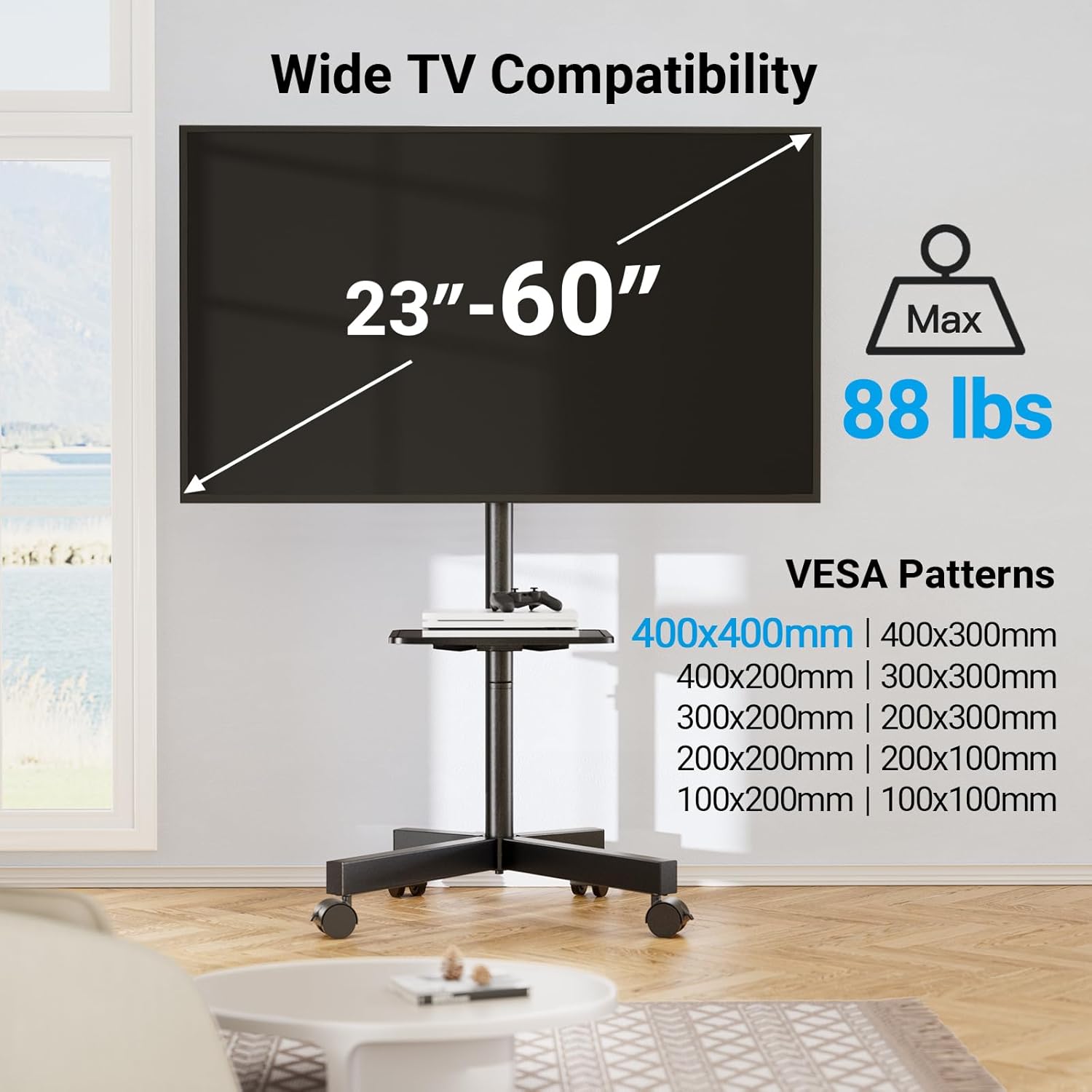
Mobile stands started appearing in living rooms, not as temporary solutions but as permanent infrastructure. The TV could move closer for video calls, tilt down for screen sharing, roll to a different part of the room when the desk setup shifted from corner to corner. The screen became nomadic, following the work instead of anchoring it.
Apple TV integrates into this setup quietly. AirPlay turns the TV into an extension of the iPhone or iPad, which means the screen’s utility expands beyond scheduled programming. It’s the display for a recipe video while cooking. It’s the photo album during a family gathering. It’s the presentation screen when someone needs to show slides to a remote colleague. The TV isn’t just for watching anymore—it’s the external monitor for the MacBook, the Zoom screen for family calls, the AirPlay target for iPhone photos.
But mobility introduces new friction. Cables don’t stretch infinitely. HDMI, power, Ethernet if you’ve hardwired the Apple TV—all of these need to accommodate movement, which usually means longer runs and more slack. The aesthetic of the wall-mounted, cable-hidden setup disappears. What replaces it is more pragmatic: visible cables, but functional flexibility.
Tilt mechanisms matter more than they used to. A screen mounted flat against the wall works fine if you’re always sitting in the same spot, but if the room serves multiple purposes—working, watching, exercising—the ability to angle the display up or down becomes essential. The stand has to handle the adjustment without requiring tools or two people to stabilize it.
There’s also a resale consideration. Mounting a TV to the wall leaves holes. Mounting brackets become obsolete when you upgrade screen sizes. A mobile stand moves with you, from apartment to apartment, and adapts to whatever new screen you eventually bring home. Previously listed at $80, current listings hover around $50 for stands that treat screens as relocatable rather than fixed. The shift reflects a broader change—living rooms are less about permanent arrangements and more about configurations that can change depending on the day, the task, or who’s in the room.
"Note: Readers like you help support The Apple Tech. We may receive a affiliate commission when you purchase products mentioned on our website."






