

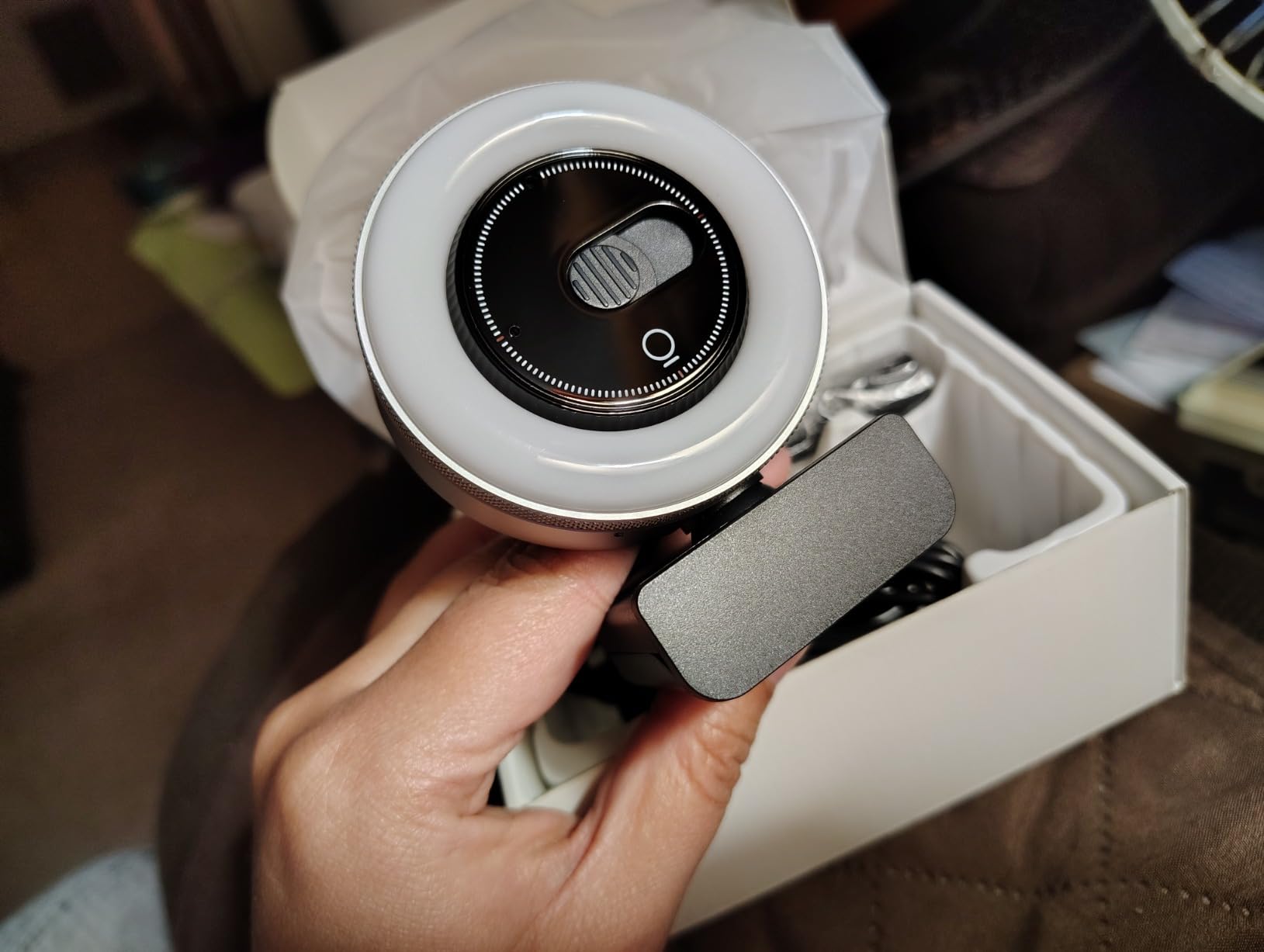
The built-in camera on most MacBooks remains functional, but the behavior around it has quietly shifted. Users who once accepted whatever image appeared in the video window now pause before calls to adjust lighting, reposition laptops, or check how they’re framed. The camera stopped being something people tolerate and became something they actively manage.
This shift didn’t happen overnight. Early remote work setups prioritized connection over presentation. But as video calls became routine rather than emergency measures, small irritations accumulated. Shadows from overhead lights. Unflattering angles from looking down at a screen. The sense of being too close or too distant from the lens.
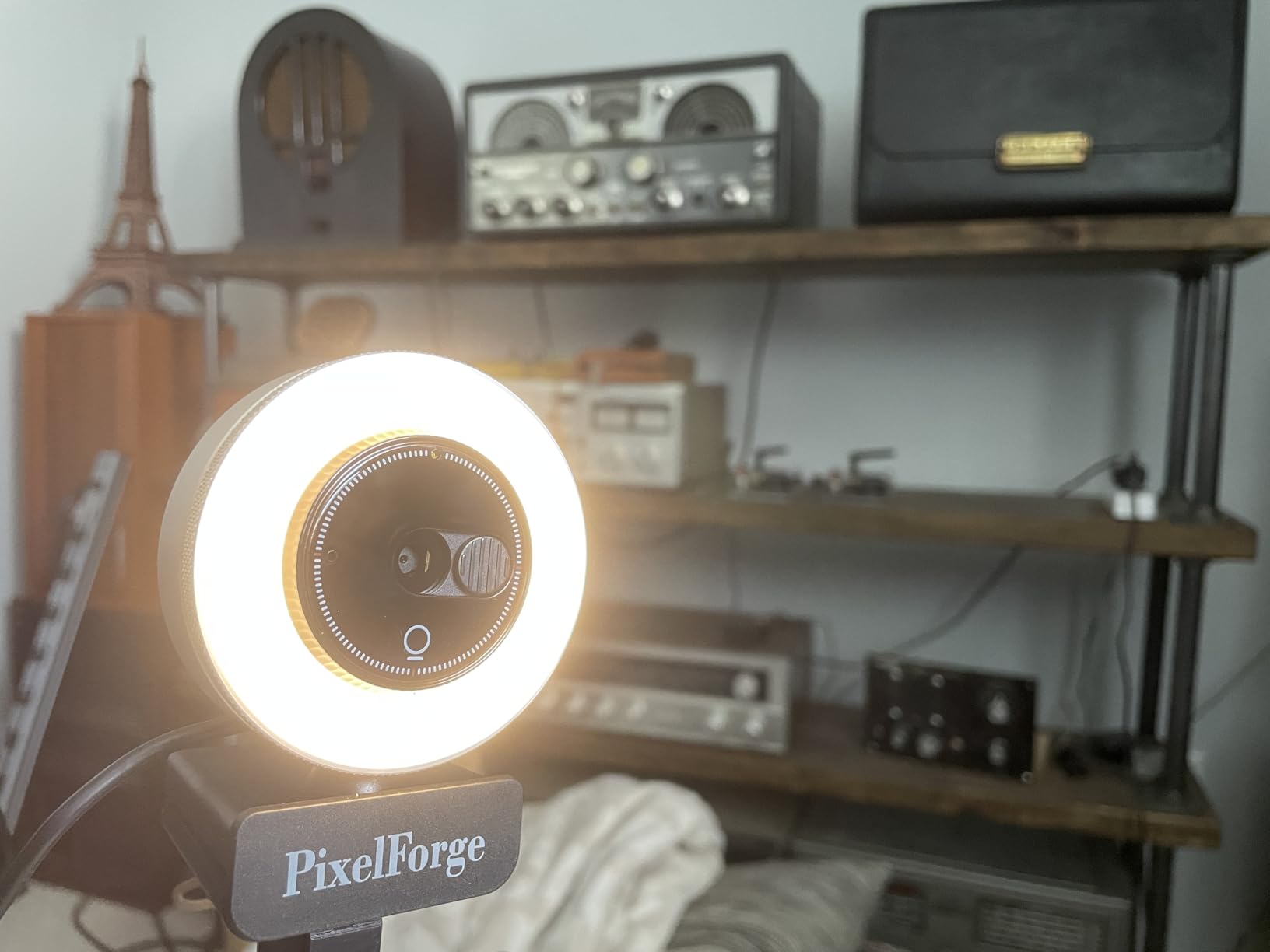
External cameras emerged not as luxury upgrades but as responses to these frictions. They offer positioning flexibility that laptop hinges don’t allow. They sit at eye level on monitors, creating more natural sight lines. They provide manual controls over focus and exposure that macOS software adjustments can’t fully replicate.
Privacy concerns also reshaped behavior. Physical camera covers became common, but they introduced new friction—forgetting to remove them before calls, or dealing with adhesive residue. Cameras with built-in privacy shutters removed that small decision point, making it easier to control visibility without adding steps.
Lighting followed a similar path. Ring lights and clip-on LED panels appeared in home offices not because people wanted to look polished, but because default lighting made them feel washed out or shadowed. The goal wasn’t vanity—it was reducing the cognitive load of wondering how they appeared to others during routine work conversations.
SIMILAR
Why iPhone users are carrying standalone noise machines instead of relying on sleep apps
Apple Watch charging became a bedside ritual, here's why the placement matters more than expected
iPhone users are quietly giving up the cable and most dont realize why it happened so gradually over time
Microphone quality also entered the equation. MacBook microphones handle most environments, but background noise in shared spaces created new tensions. Users found themselves muting frequently, repeating sentences, or moving to quieter rooms. External microphones with better noise isolation reduced these interruptions without requiring soundproofing.
The ecosystem effect became visible in how these tools cluster together. A camera leads to questions about lighting, which leads to questions about audio, which leads to cable management and desk space considerations. What starts as solving one friction point expands into rethinking the entire video call environment around macOS workflows.
Previously listed around $47, current listings for external webcam setups with integrated lighting and microphone components now hover in a similar range, reflecting how common this type of reconfiguration has become in home office spaces.
"Note: Readers like you help support The Apple Tech. We may receive a affiliate commission when you purchase products mentioned on our website."






