
A quiet pattern has emerged among those who toggle between iPad and Mac setups: the persistent need for physical number keys. What begins as minimalist convenience often circles back to tactile familiarity.
There’s a specific moment when iPad-first workflows begin to feel incomplete. It’s not during long writing sessions or creative work. It’s when you need to enter a six-digit authentication code, or adjust a budget line item, or simply type an address that includes apartment numbers.
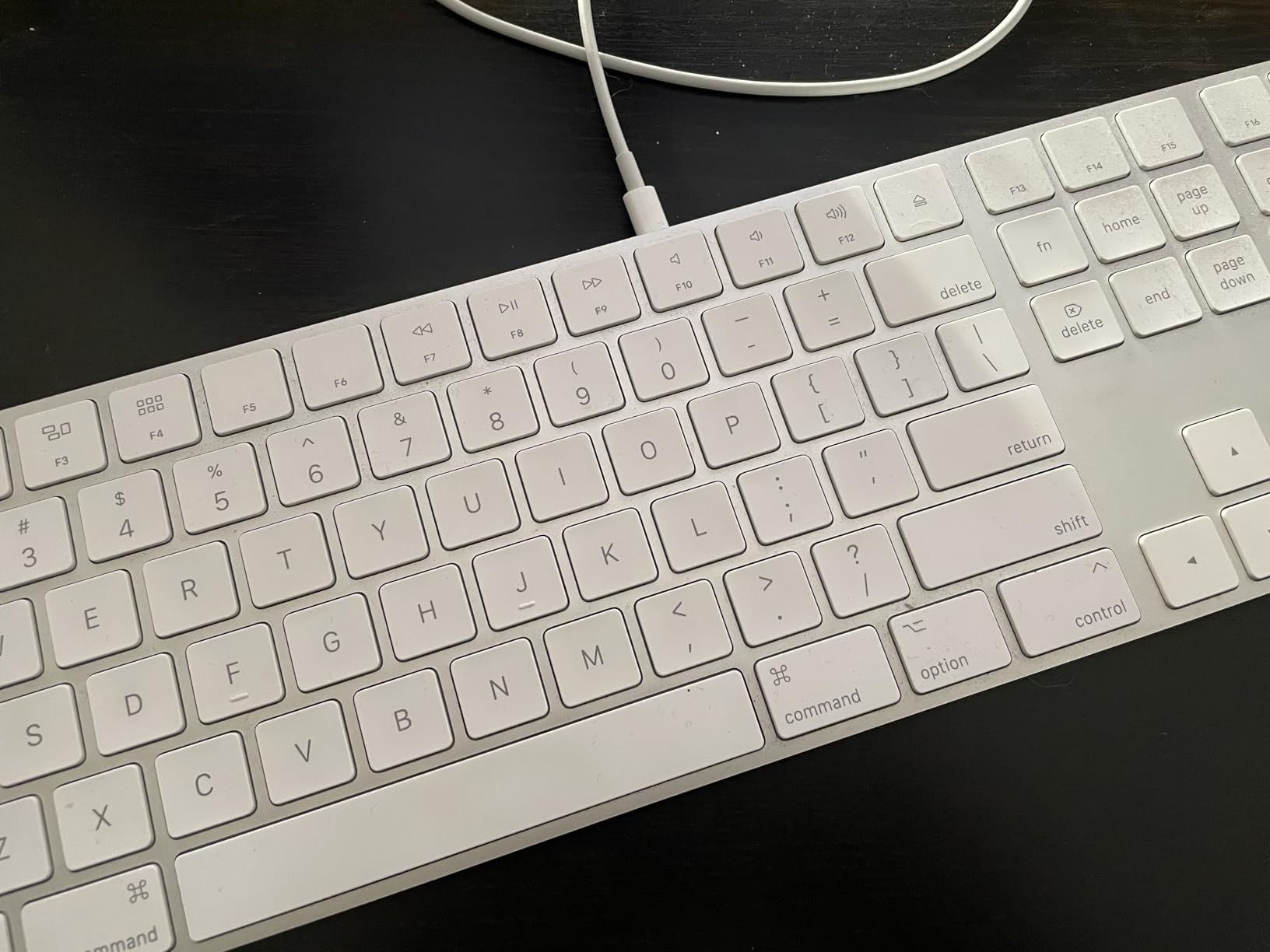
The muscle memory for physical number keys runs deeper than most people realize until it’s gone. Touchscreen number rows require visual confirmation. Bluetooth numeric keypads promise the best of both worlds—full tablet mobility with selective desktop tactility. The appeal isn’t nostalgia. It’s about reducing the tiny cognitive tax of switching input methods multiple times per hour.
What makes this tension particularly pronounced in Apple’s ecosystem is the fluidity with which devices are supposed to interchange. Continuity features allow seamless handoff between iPhone, iPad, and Mac. But typing habits don’t handoff. They fragment.
Some users describe a rotation system: Magic Keyboard attached for email mornings, detached for afternoon reading, reattached when invoices arrive. Others leave the keyboard perpetually connected, defeating the original purpose of iPad portability. Neither approach feels wrong. Both feel like compromises with no clear resolution.
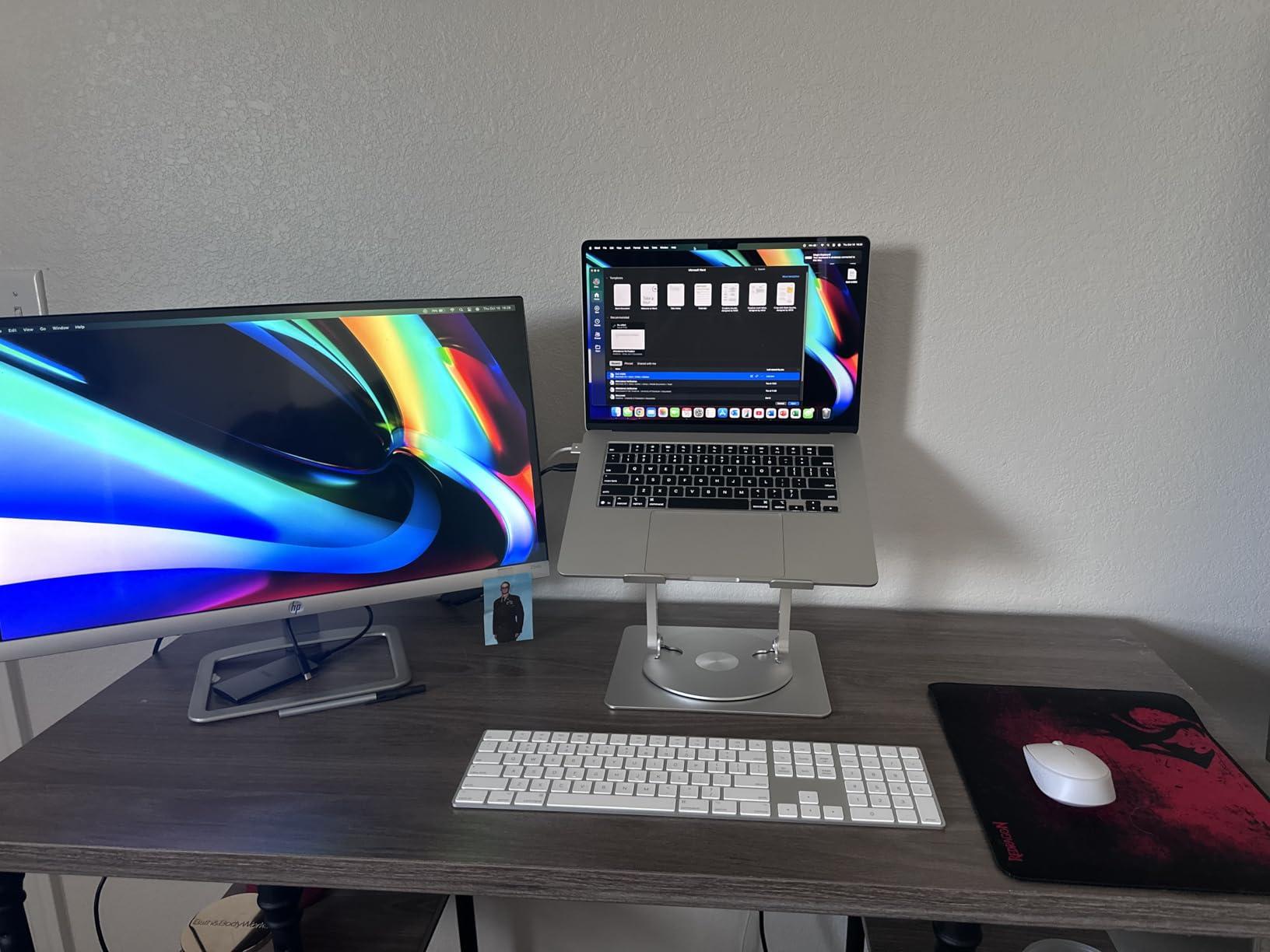
The rechargeable aspect matters more than spec sheets suggest. It’s not about battery life measured in weeks. It’s about eliminating one more thing that requires proactive attention. The keyboard becomes ambient infrastructure rather than managed accessory.
Color choice—silver, black, white—signals something about intended use. White suggests optimism about keeping it pristine, about controlled environments. Space gray acknowledges coffee shops and kitchen tables. These aren’t aesthetic preferences. They’re predictions about how much friction a device will encounter.
What’s curious is how rarely this behavior gets discussed in reviews or setup guides. The assumption is that you either need a keyboard or you don’t. But the reality for many iPad users is more oscillating—needing it intensely for 20 minutes, then not needing it at all for three hours, then needing it again. Previously listed at $129, current listings hover around $79.
"Note: Readers like you help support The Apple Tech. We may receive a affiliate commission when you purchase products mentioned on our website."