

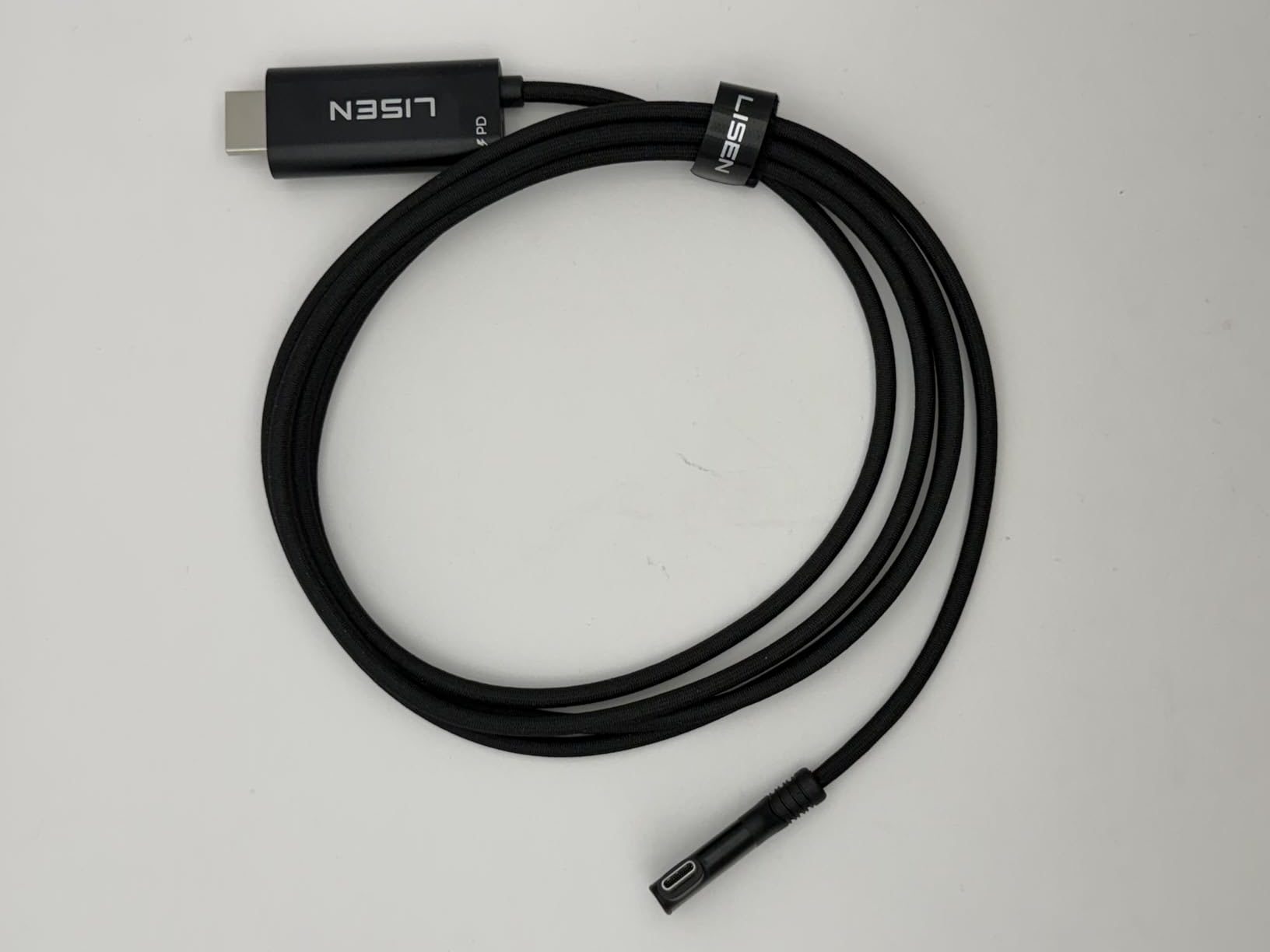
The shift to universal ports created an unexpected friction point for people connecting MacBooks to external displays, particularly around cable length and placement.
When Apple completed its transition to USB-C across the MacBook line, the move was framed as simplification—one port type for everything. But people working with external displays discovered a complication that the old dedicated display ports didn’t have. Their monitors came with specific cables that no longer matched their laptops. The fix required adapter cables, and suddenly length became a problem no one had anticipated.
This matters because of where people actually position their displays relative to their laptops. A monitor sits on a desk or mounted on an arm. The laptop might be to the side, elevated on a stand, or tucked partially under the display. The standard cable that came with most monitors was designed for desktop computers positioned directly behind or below the screen. That distance doesn’t map to laptop setups, especially when the MacBook’s USB-C ports are on the side rather than the back.
What happened next was a scramble for longer cables with the right combination of connectors and specifications. Not just any cable worked—it needed to support the resolution and refresh rate of the display, carry power if you were charging the laptop through the same connection, and actually span the physical gap your specific desk arrangement created. The search became more technical than most people wanted to deal with.
This also exposed how Apple’s ecosystem standardization sometimes creates new incompatibilities while solving old ones. Yes, USB-C is universal in theory. But in practice, you’re managing a collection of cables with different capabilities, and it’s not always obvious which one does what. The old display cables were chunky and proprietary, but they were also unambiguous. You knew what they were for.
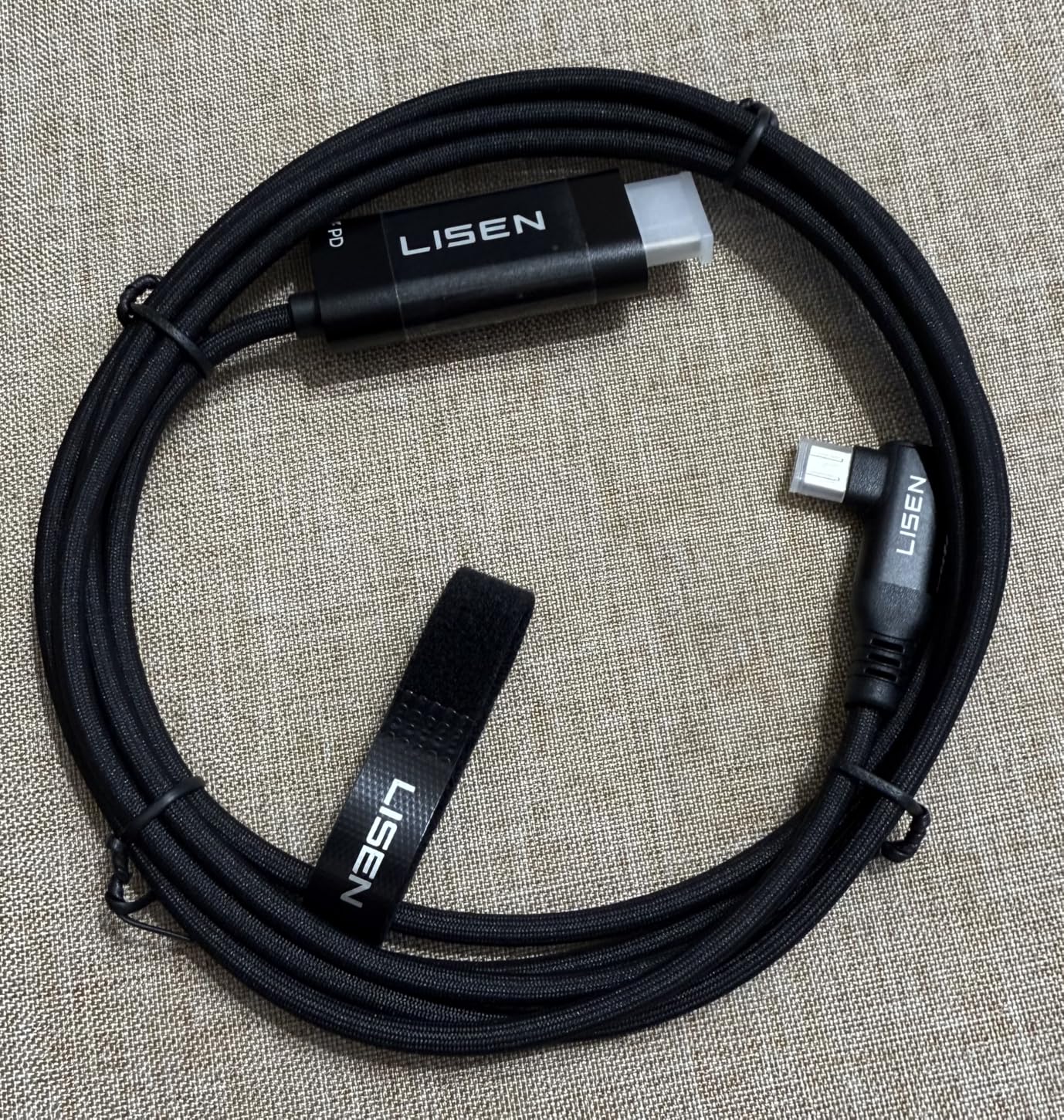
There’s a learning curve that comes with this transition too. People discovered that cheap cables caused strange display behavior—flickering, resolution drops, connection failures. The cable quality mattered in ways it hadn’t before. This turned cable selection from a simple purchase into something requiring research about specifications most users had never heard of.
The result is laptop users with drawers full of cables that almost work but don’t quite. The right cable solves multiple problems at once—it reaches, it supports the display properly, it doesn’t disconnect randomly. But finding that cable means understanding more about signal specifications than should be necessary for connecting a laptop to a screen.
The broader pattern is Apple’s transitions imposing homework on users who just want their setup to function. The ecosystem improves in aggregate, but individuals absorb the friction of figuring out compatibility during the changeover period. That period turns out to last longer than anyone expects.
Previously listed at $32.99, extended USB-C display cables with high-speed data transmission current listings hover around $9.99 (CODE PLOMK9KM).
"Note: Readers like you help support The Apple Tech. We may receive a affiliate commission when you purchase products mentioned on our website."






