


Apple’s tablet still lacks a definitive answer for how it should sit during extended use, leaving iOS workflows dependent on accessories that approximate laptop ergonomics without quite achieving them.
The iPad on a stand becomes something other than what Apple designed—not quite a laptop, not quite a tablet, but a third thing that requires constant positional negotiation. Apple’s own accessories—the Magic Keyboard, the Smart Folio—offer limited angle options, forcing users who want more flexibility to look elsewhere. What they find is a landscape of articulating arms, weighted bases, and adjustable necks that treat the iPad as a screen first and a touch device second.
The behavioral shift is most visible in home offices, where iPads have drifted from handheld use to semi-permanent desk fixtures. The device Apple positioned as portable computing has, for many users, become stationary infrastructure. It sits at eye level during video calls, angled downward for note-taking, propped upright for reference documents. Each configuration requires manual adjustment because the iPad itself has no native mechanism for this kind of positioning. The stand compensates for what the device doesn’t do alone.
Touch interaction complicates the ergonomics. Unlike a MacBook, which expects hands to remain on a keyboard, the iPad anticipates fingers reaching toward the screen. A stand that places the device at optimal viewing height often puts it too far away for comfortable touch. Users lean forward, stretch their arms, or abandon touch entirely in favor of a connected keyboard and trackpad. The latter turns the iPad into a laptop substitute, which raises the question of why the iPad was chosen in the first place.
Some workflows don’t require constant touch. Reading, video playback, and passive monitoring work well when the iPad is positioned at a distance. But the moment interaction becomes necessary—scrolling through a document, annotating a PDF, navigating an app—the stand’s fixed position becomes a constraint. Users pull the device closer, adjust the angle, then push it back when done. The adjustability that seems like a feature in product descriptions reveals itself as a recurring task in daily use.
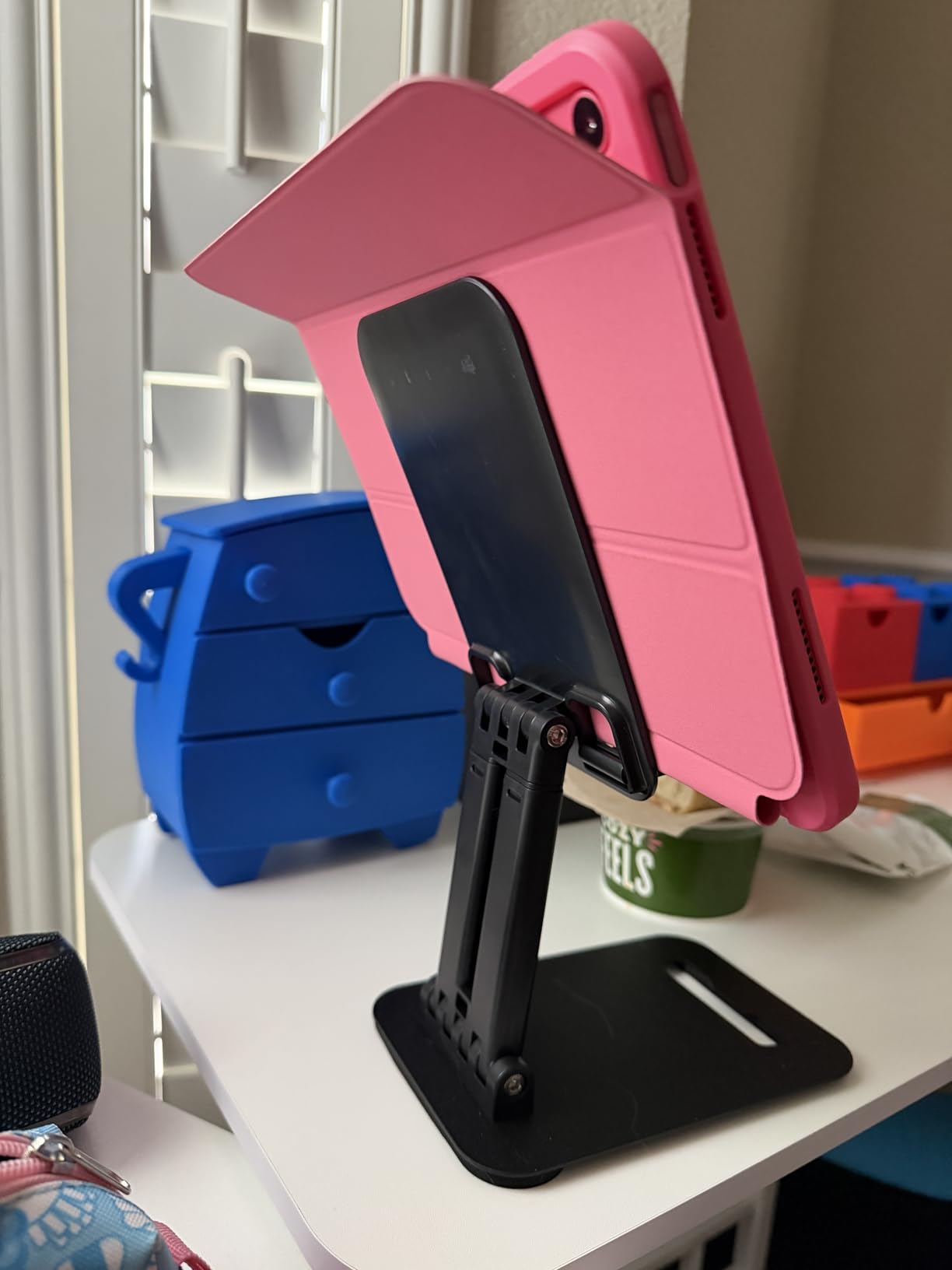
Apple’s iPad marketing emphasizes versatility, but the accessories required to achieve that versatility suggest incompleteness in the core product. The stand isn’t enhancing the iPad’s capabilities so much as filling gaps in its design language. A device that can be anything must, by definition, be reconfigured constantly, and the burden of that reconfiguration falls to the user and whatever third-party hardware they’ve sourced to manage it.
The stands themselves have become a category marked by diminishing aesthetic standards. Where Apple’s own accessories maintain a strict design vocabulary—aluminum, neutral colors, minimal branding—the broader accessory market defaults to utility over appearance. The result is an iPad positioned exactly where it needs to be but surrounded by hardware that clashes with the ecosystem’s visual identity. Function wins, but something is lost in the translation.
Previously listed at $17.99, current listings hover around $8.65(CODE GMN8GSWL) for adjustable tablet stands designed to accommodate iPads across multiple generations as well as e-readers and other similar devices. The pricing reflects a category where differentiation is difficult and competition keeps margins compressed, leaving users with affordable solutions to a problem that arguably shouldn’t require solving at all.
"Note: Readers like you help support The Apple Tech. We may receive a affiliate commission when you purchase products mentioned on our website."






