

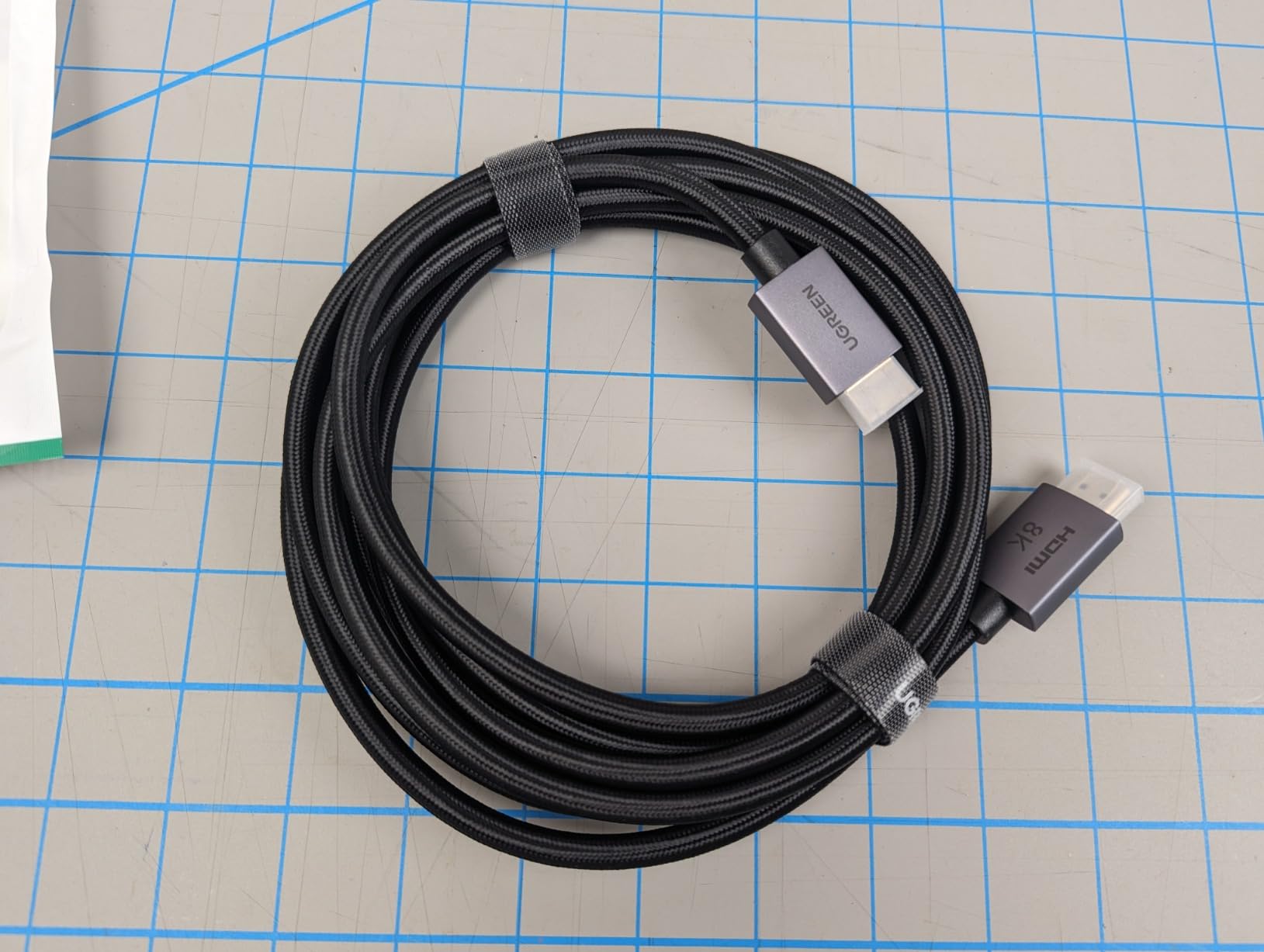
AirPlay offers wireless display mirroring from Macs to TVs and monitors, but professionals and home users increasingly default to HDMI cables when the display serves as a primary workspace.
AirPlay can send a Mac’s display wirelessly to an Apple TV or a compatible smart TV. The setup is simple—select the display from the menu bar, and the screen appears on the TV. This works well for presentations, for mirroring content during casual viewing, for extending the desktop temporarily. It works less well when the TV is your primary monitor and you need it to be responsive, reliable, and immediate every single time you sit down to work.
The Mac mini has no built-in display, which makes it dependent on external monitors in a way that laptops aren’t. You can’t fall back to an integrated screen if the external connection fails. If the display doesn’t work, the Mac is unusable. This makes the connection method critical. A wired HDMI connection establishes a permanent, physical link between the Mac and the monitor. It doesn’t drop. It doesn’t lag. It doesn’t negotiate protocols or search for devices. It just works, consistently, in a way that wireless connections don’t always guarantee.
Wireless streaming works until it doesn’t, and the interruption—a dropped connection, a lag spike, a moment of buffering—is more disruptive than running a cable behind the desk. You’re in the middle of editing a video or writing a document, and suddenly the display freezes or disconnects. You have to reestablish the connection, wait for it to stabilize, and hope it doesn’t happen again. The convenience of wireless evaporates the moment reliability becomes uncertain.

Resolution and refresh rate limitations highlight the difference between casual mirroring and professional display use. AirPlay can handle 4K at 60Hz in ideal conditions, but the performance depends on Wi-Fi bandwidth, network congestion, and distance from the router. An HDMI cable rated for higher bandwidth—48Gbps in newer standards—can handle 8K at 60Hz or 4K at 240Hz without compression, without latency, without depending on network conditions. For gaming, video editing, or any work where frame rate and responsiveness matter, the cable provides capabilities that wireless streaming can’t match.
The cable becomes part of the desk infrastructure. You run it behind the monitor, secure it with clips, route it through cable management channels, and forget about it. It’s not elegant in the way AirPlay’s wireless connection is elegant, but it’s reliable in a way that matters more for a primary workspace. The Mac connects to the monitor the same way every time, instantly, without requiring menu navigation or device selection.
Smart TVs with HDMI eARC support allow audio to flow back from the TV to a soundbar or speaker system, which creates a secondary benefit for wired connections. The Mac sends video and audio to the TV via HDMI, and the TV routes the audio to external speakers through the same cable. This consolidation reduces the number of connections and devices involved in the audio chain, though it also locks you into the TV’s audio processing, which may introduce latency or quality compromises compared to direct connections.
Cable quality has become a consideration as resolution and refresh rates have increased. Older HDMI cables don’t support the bandwidth required for 4K at high refresh rates or 8K at any refresh rate. Buying a new cable means ensuring it’s certified for the specifications you need, which isn’t always obvious from product descriptions. The cable market is cluttered with misleading claims and counterfeit certifications, which makes finding a reliable cable more complicated than it should be.
Previously listed at $13, current listings hover around $8.99 for HDMI cables certified for high-bandwidth applications. The low price point reflects how commodified these cables have become, but it also highlights the value proposition. For less than ten dollars, you eliminate the uncertainty of wireless connections and gain capabilities that AirPlay can’t provide. The Mac ecosystem encourages wireless wherever possible, but for the Mac mini user whose entire workflow depends on a stable display connection, the cable remains the more practical choice. Convenience is valuable. Reliability, when your monitor is your only screen, is essential.
"Note: Readers like you help support The Apple Tech. We may receive a affiliate commission when you purchase products mentioned on our website."



